Poly Headsets
Discover the full range of Poly wireless Bluetooth headsets by Plantronics, now part of HP. Professional-grade audio for office, call center, and remote work — trusted since 1961.
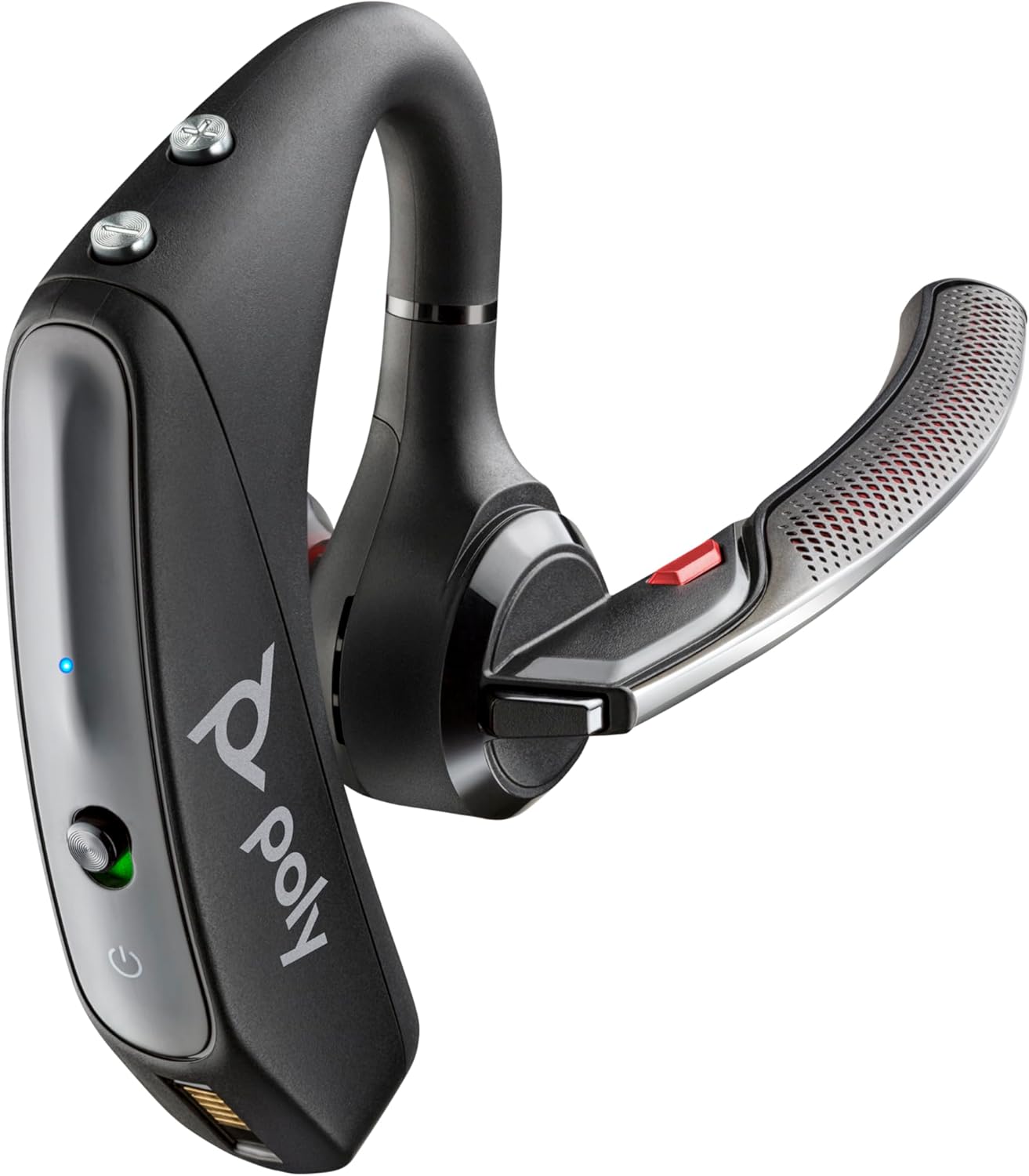
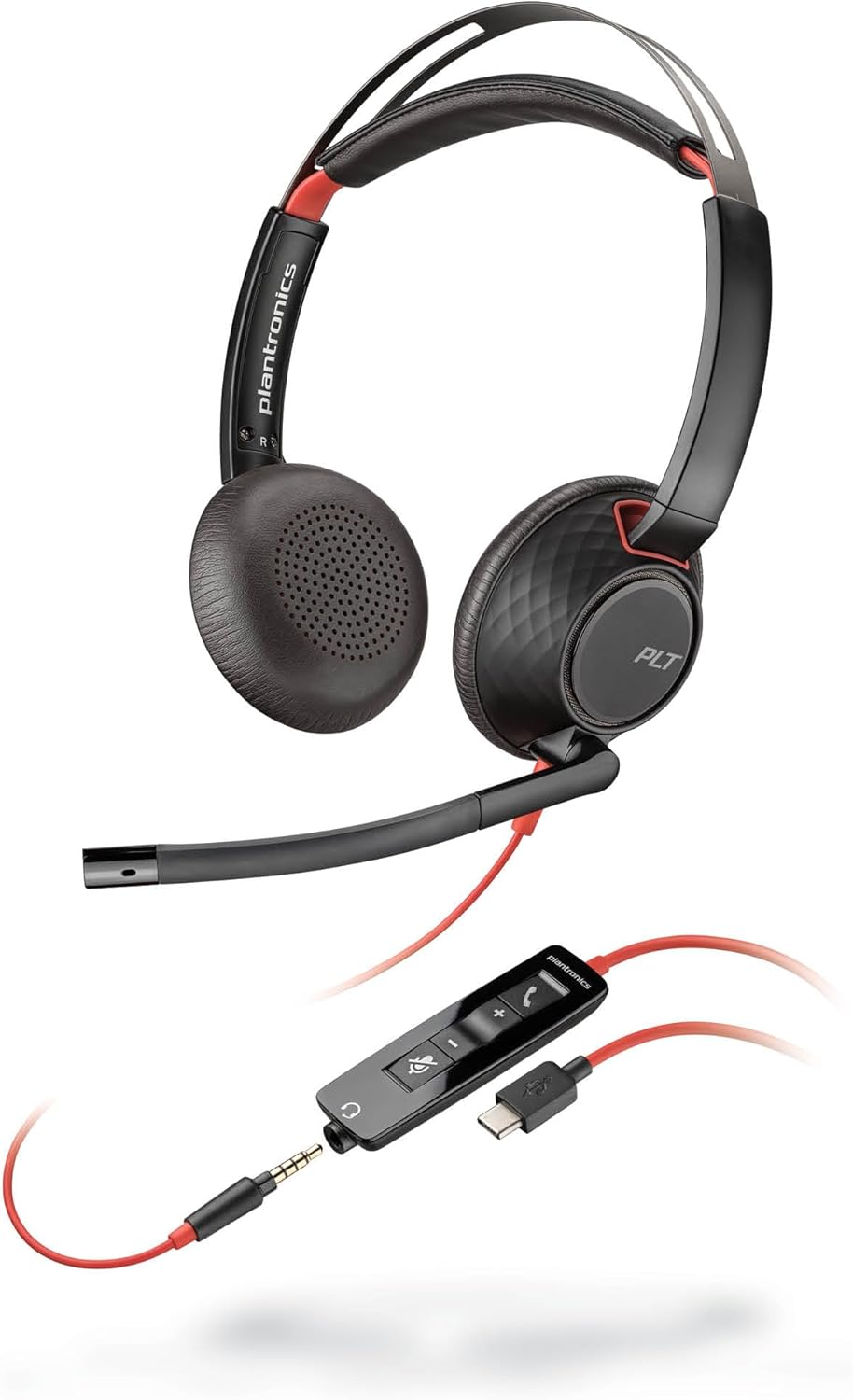
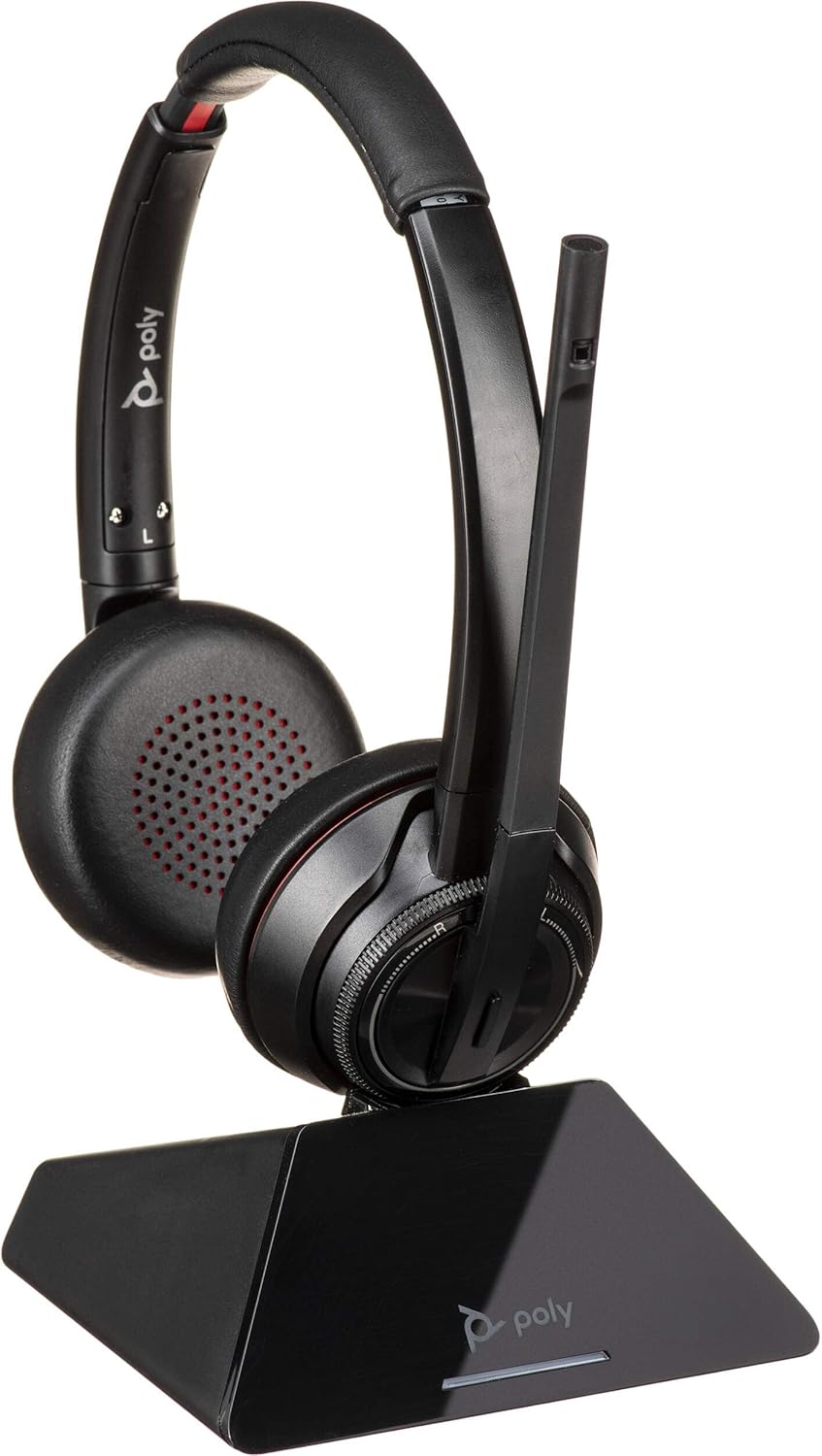
Poly Headset Collection
Professional-grade headsets from Poly by Plantronics. Wireless Bluetooth, wired USB, and DECT options for every workspace.
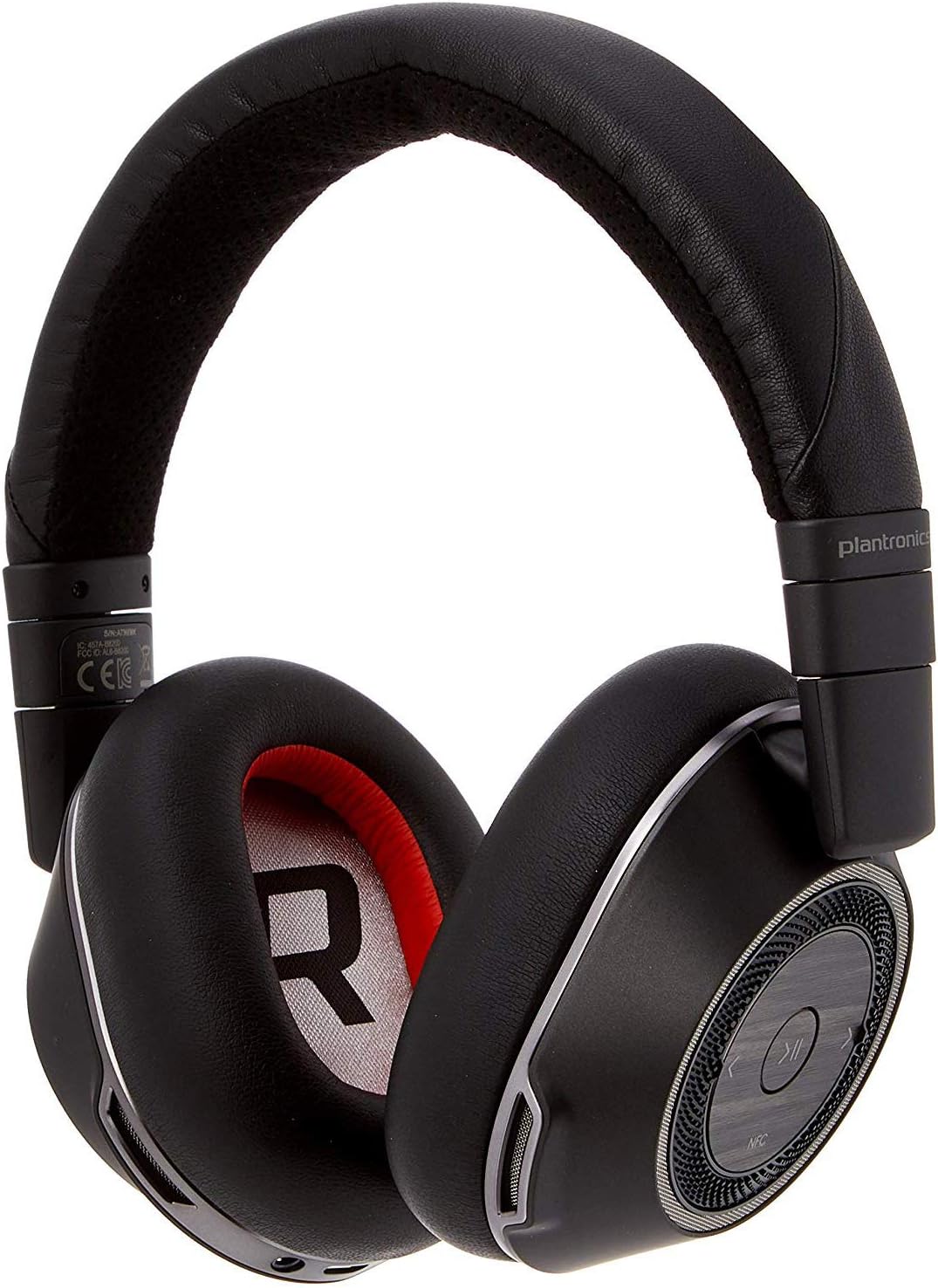
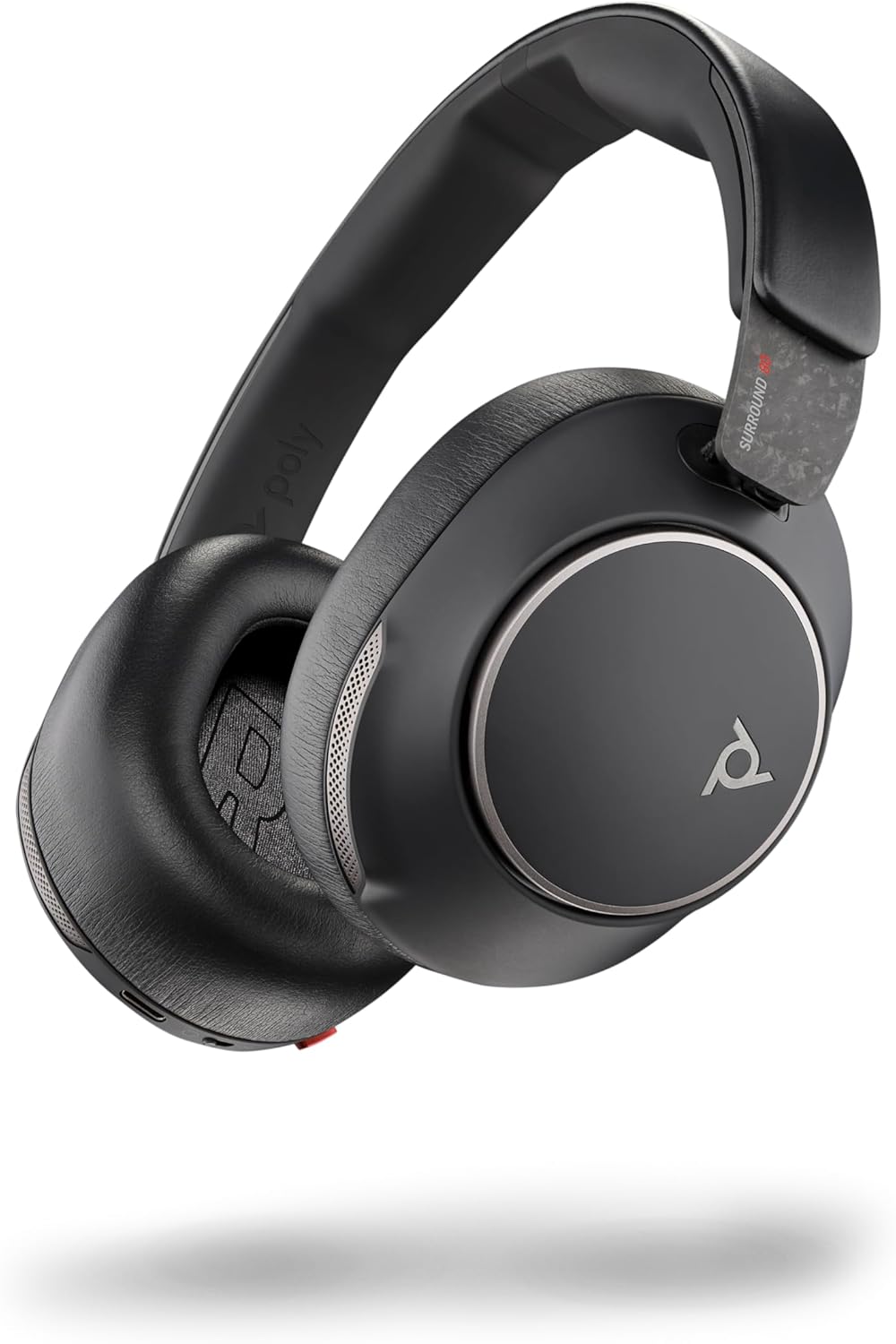
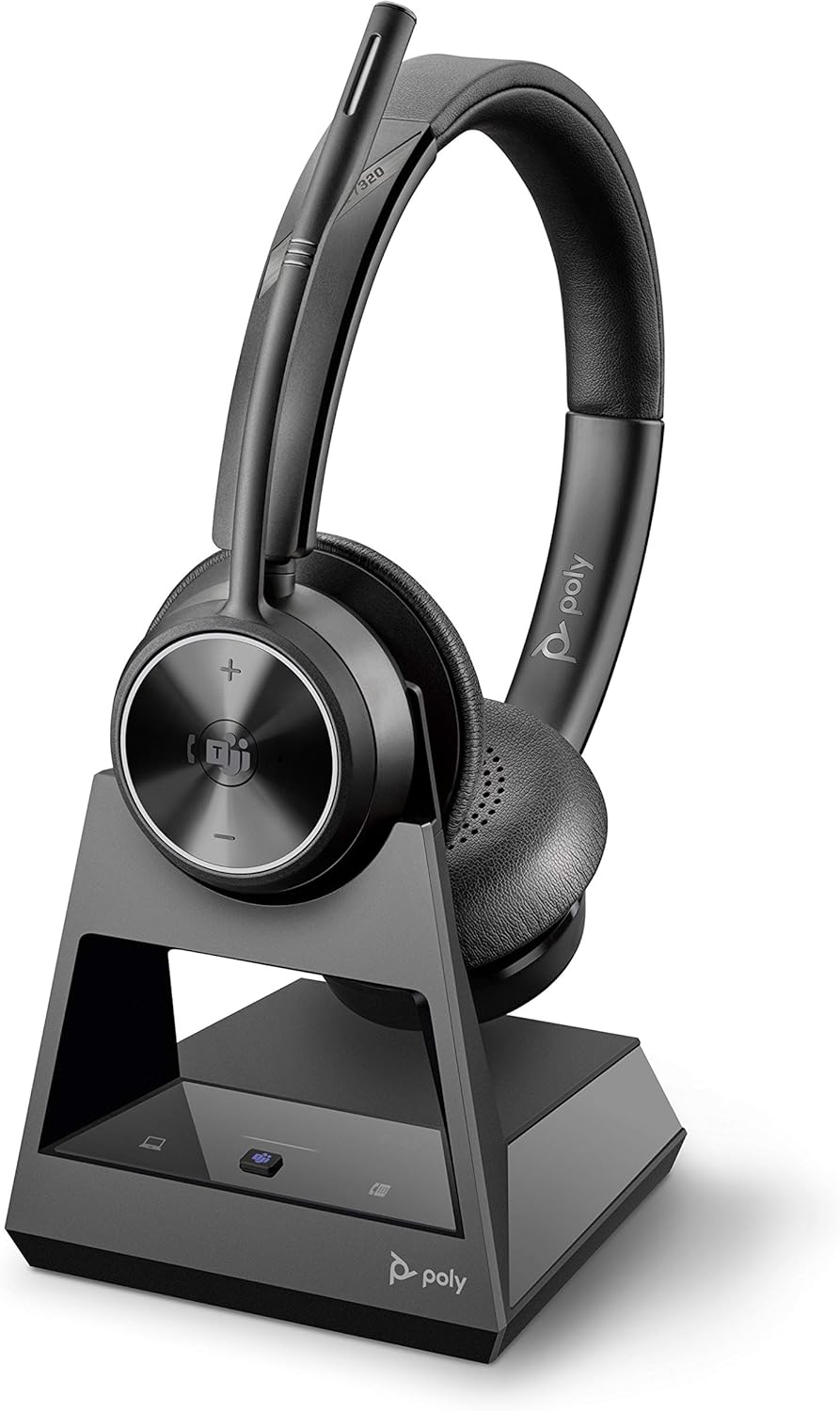
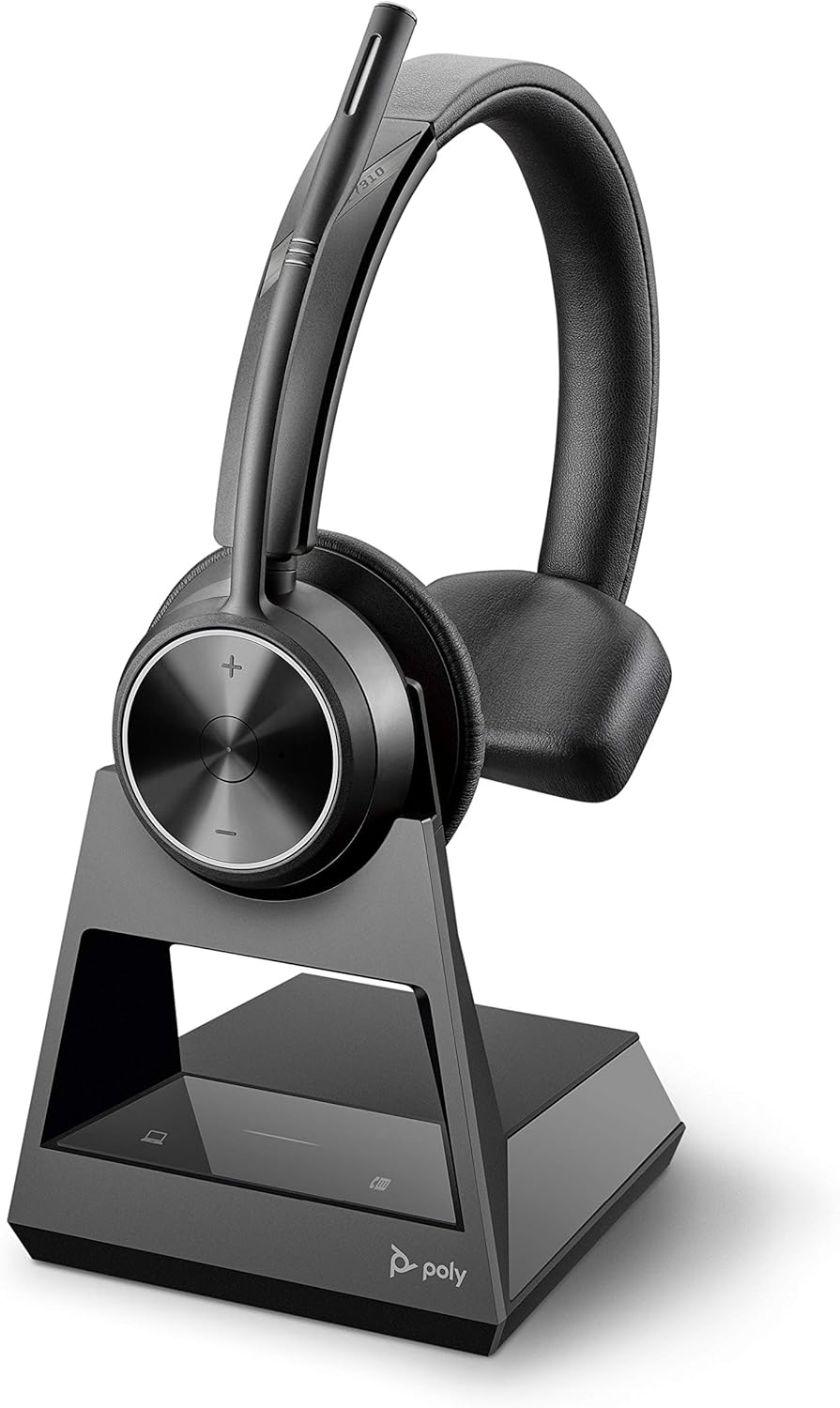
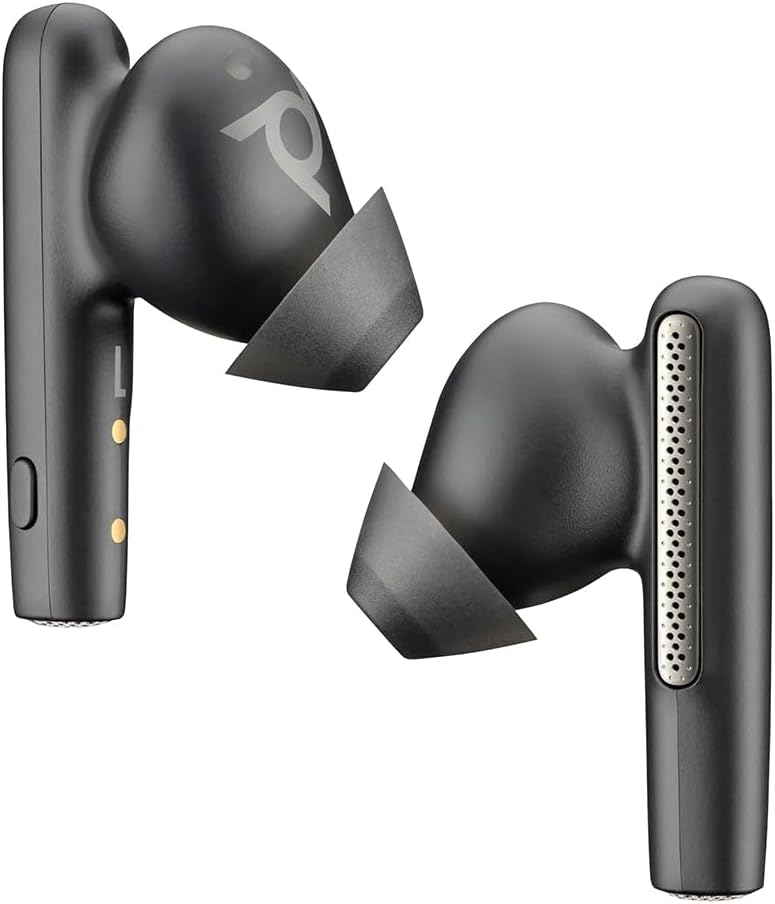
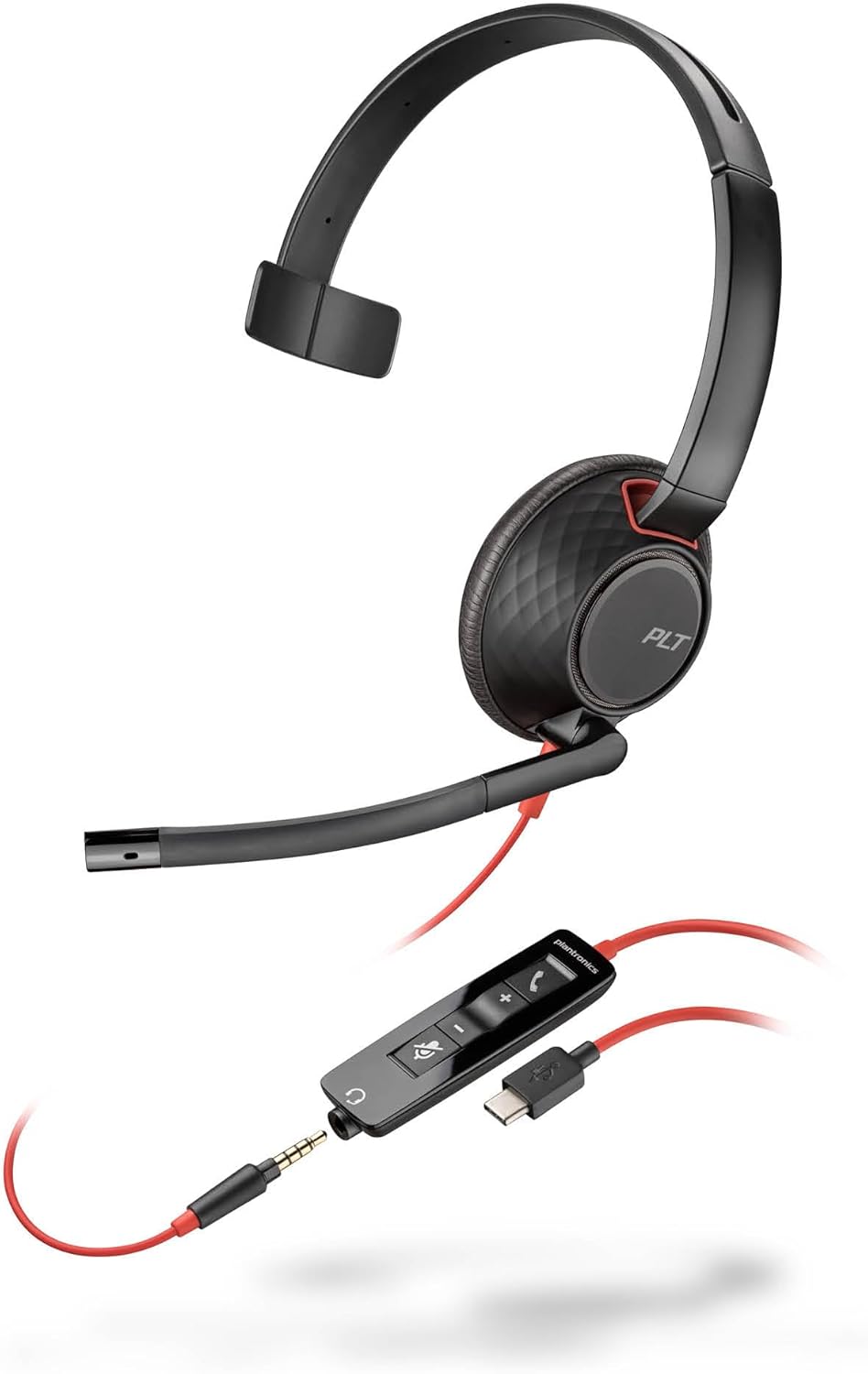
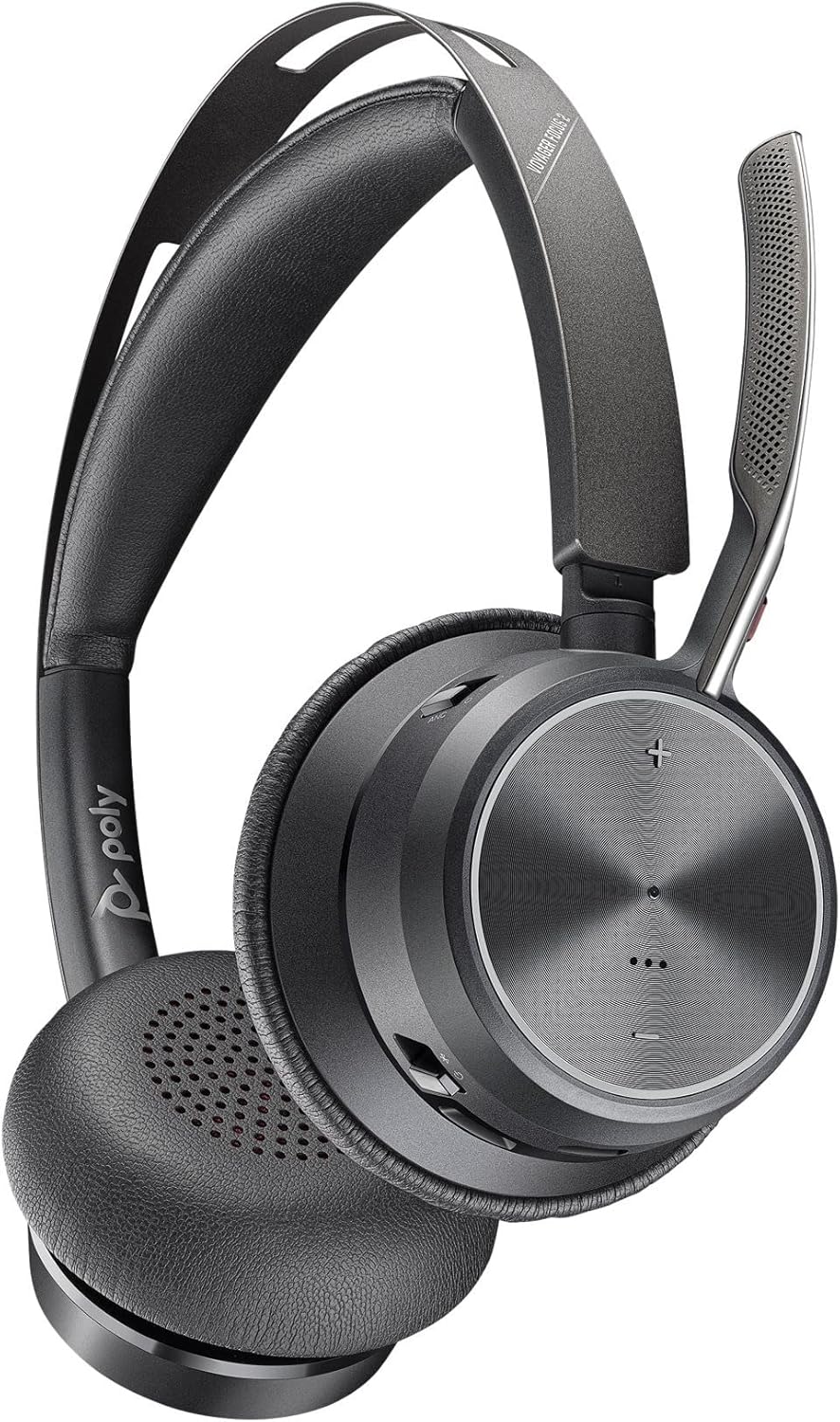
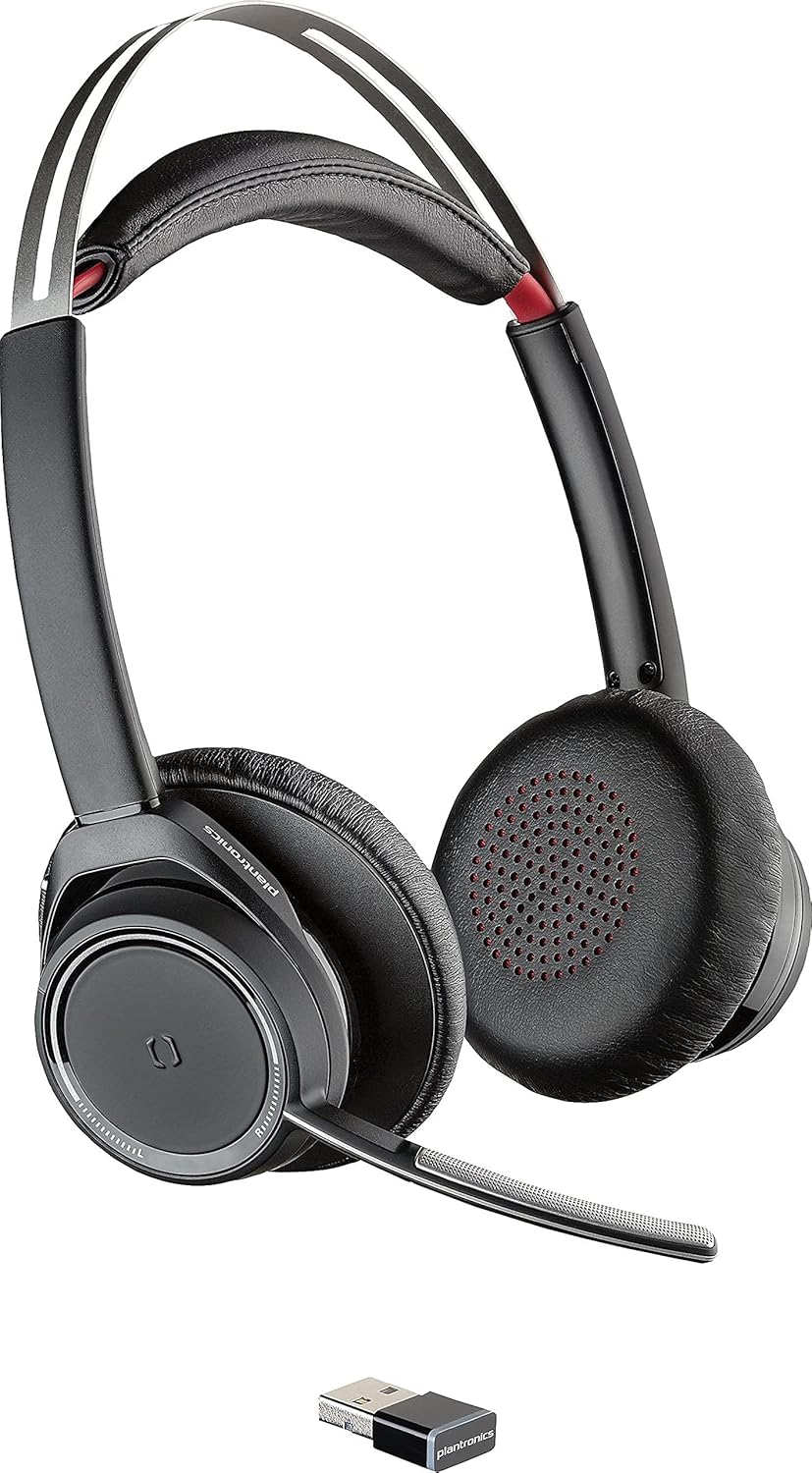
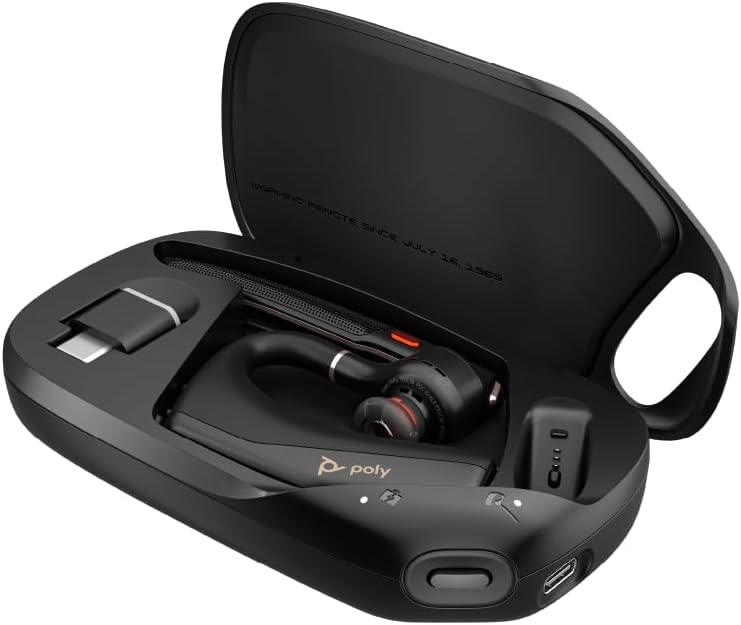
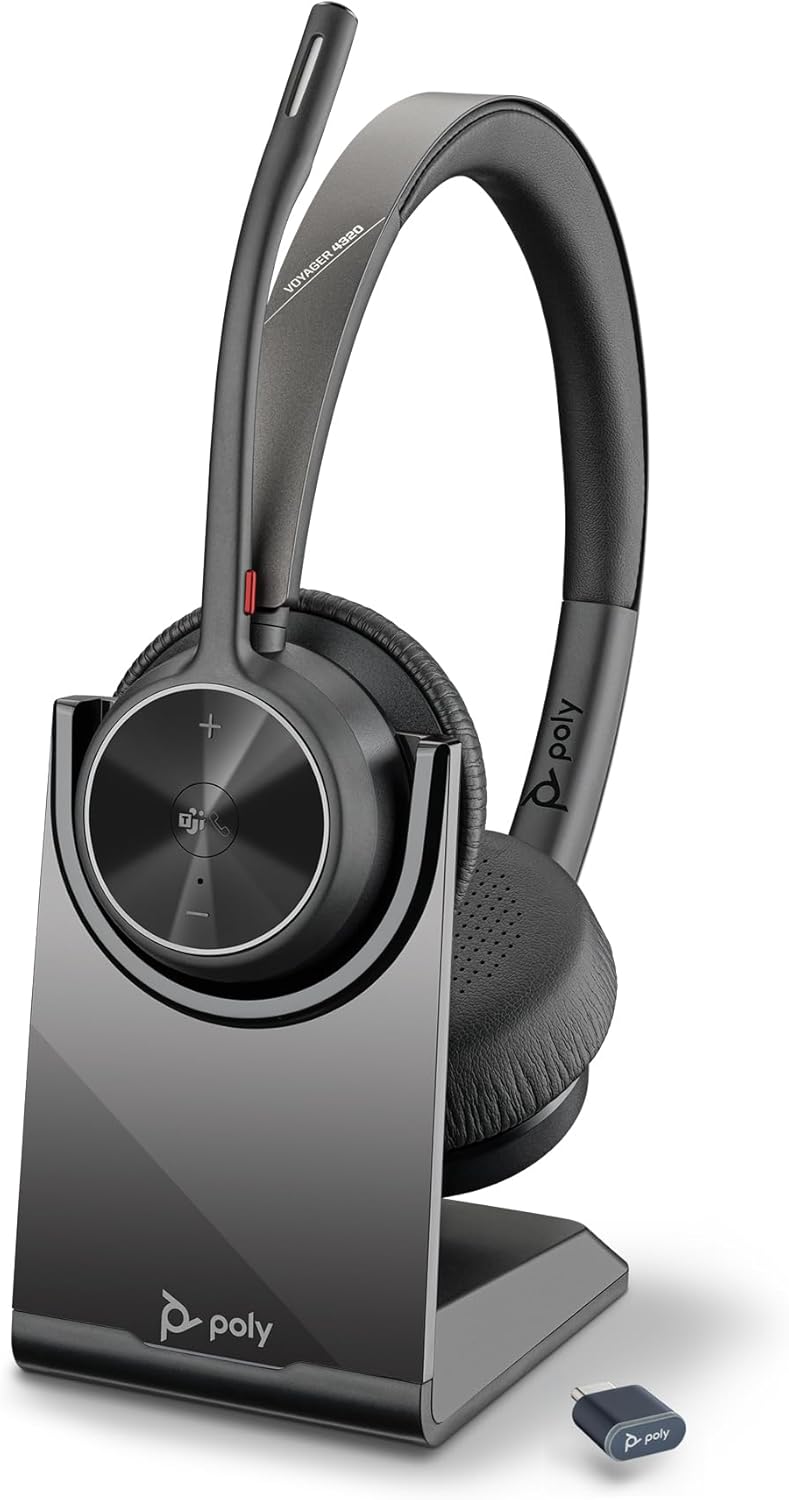
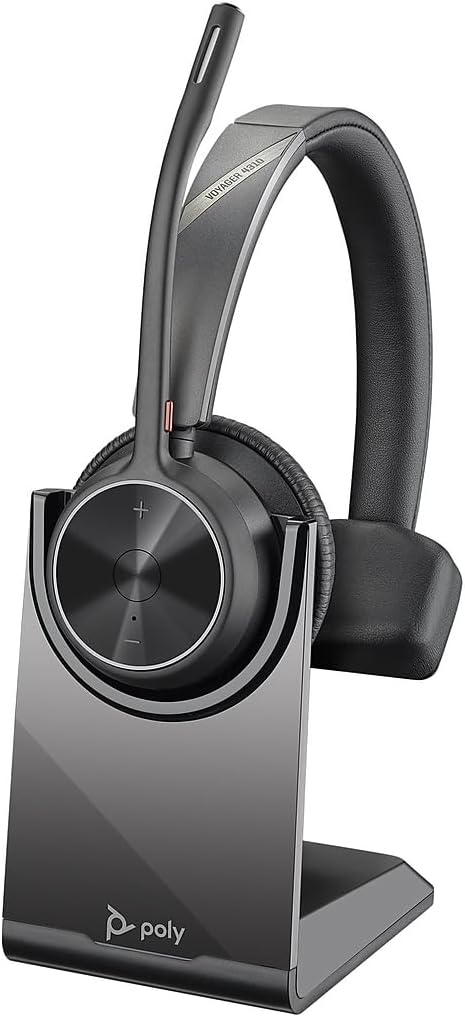
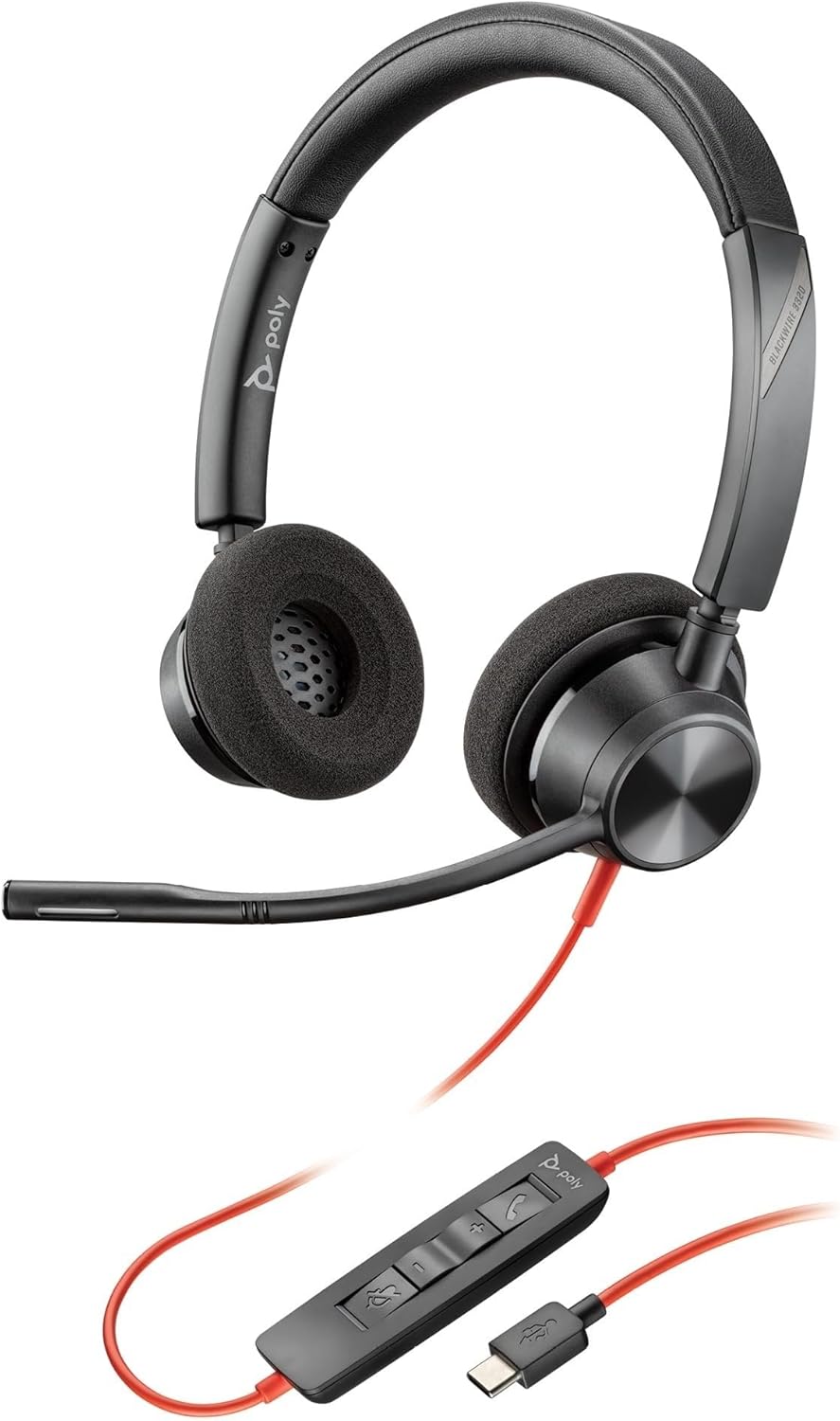
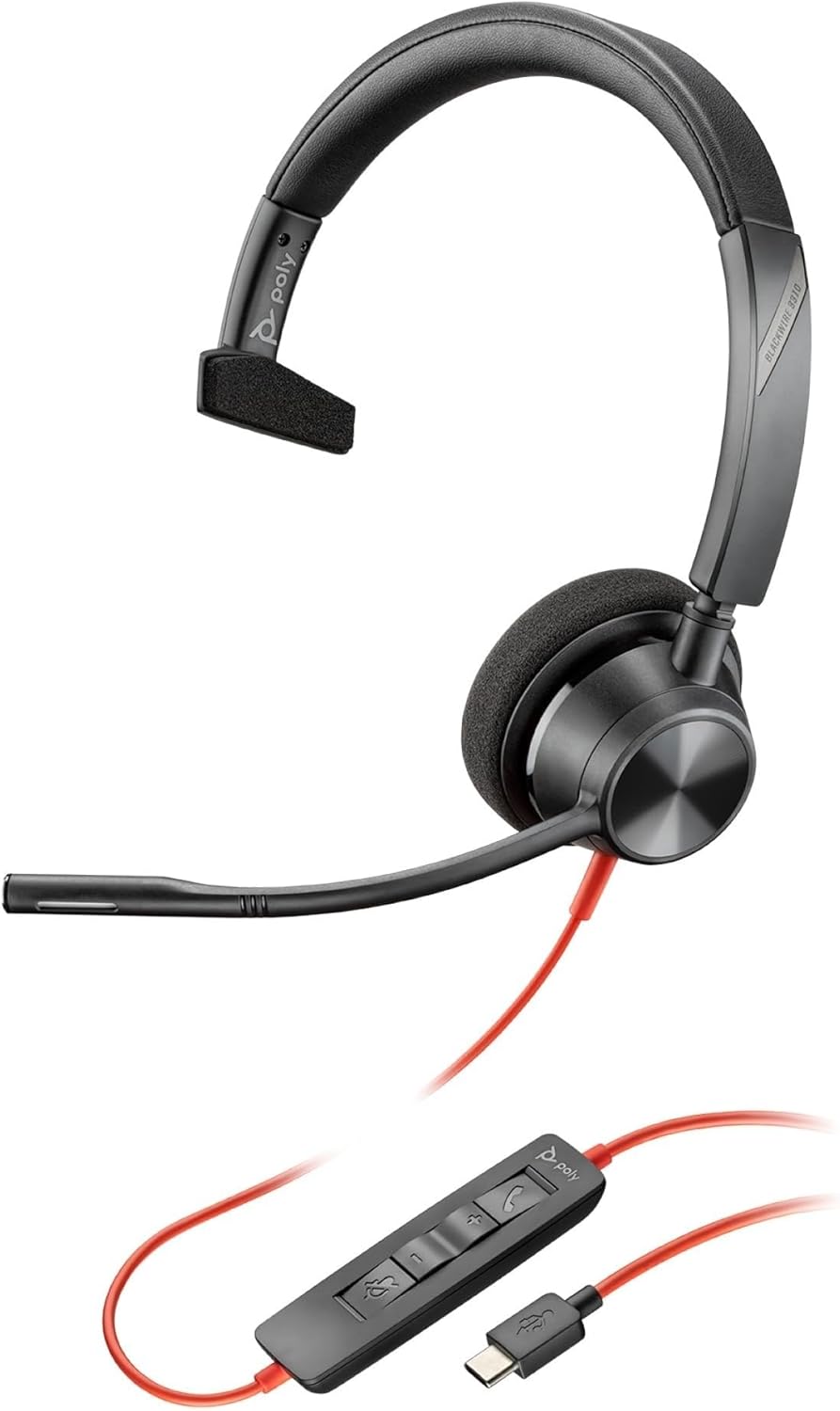
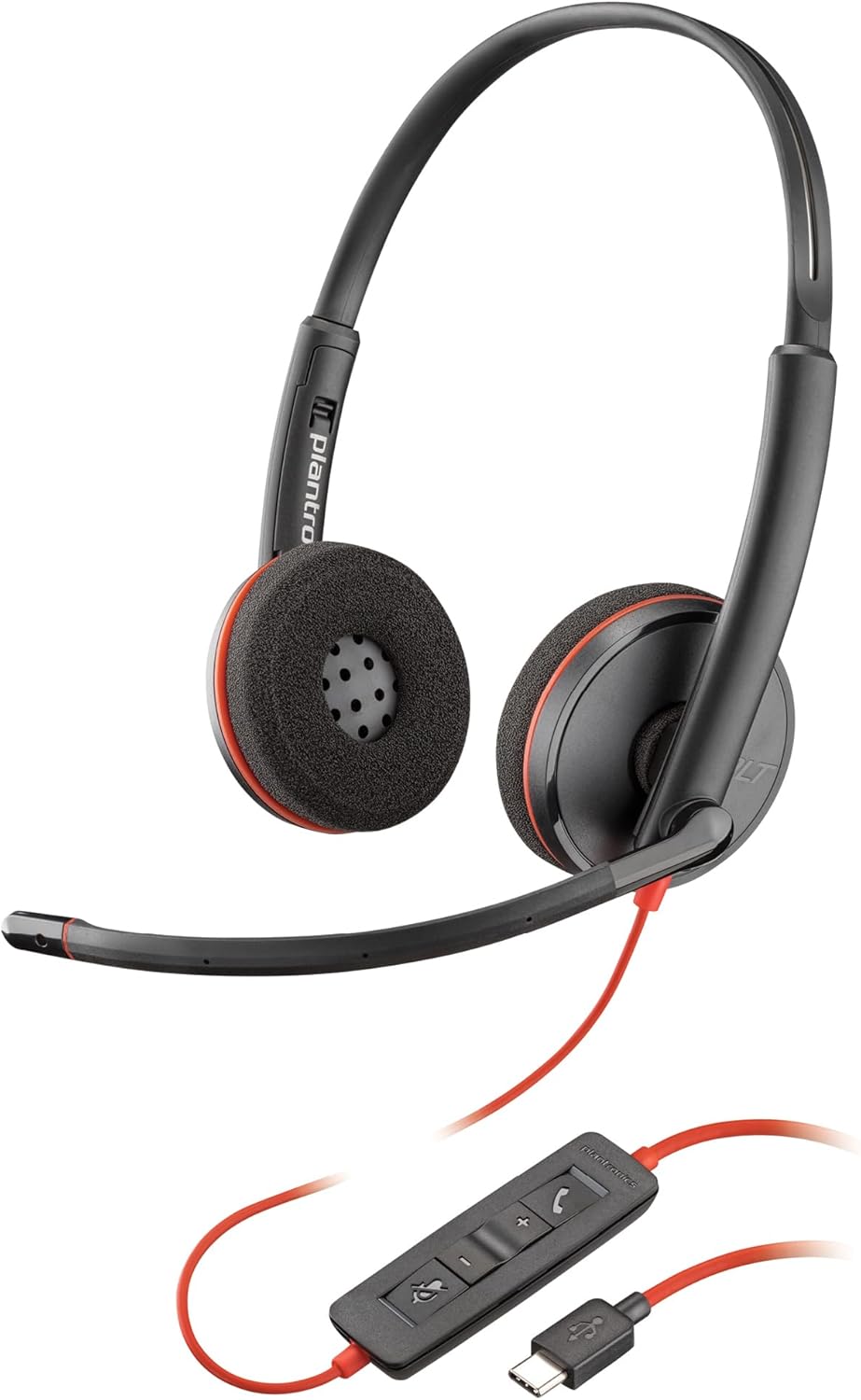
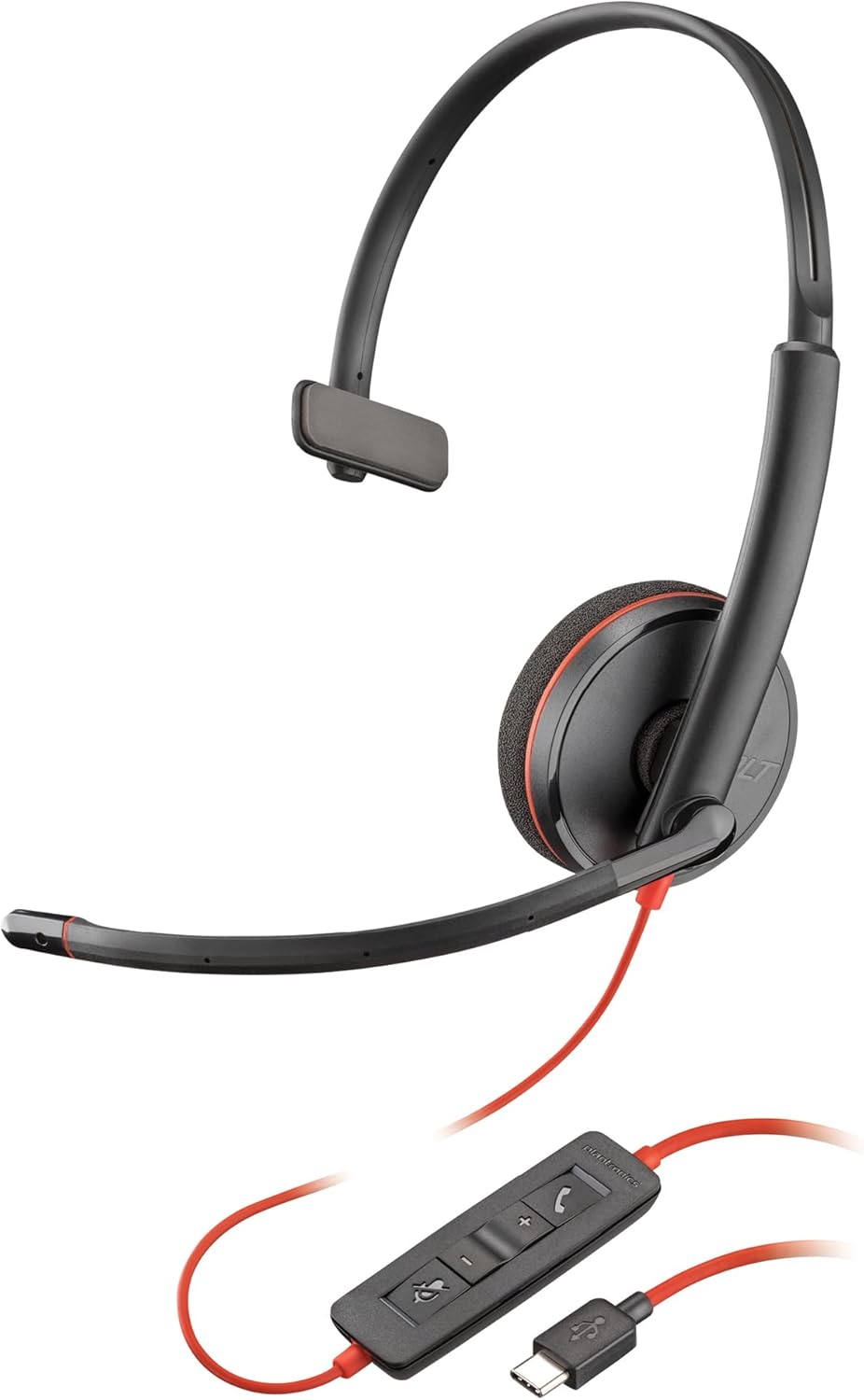
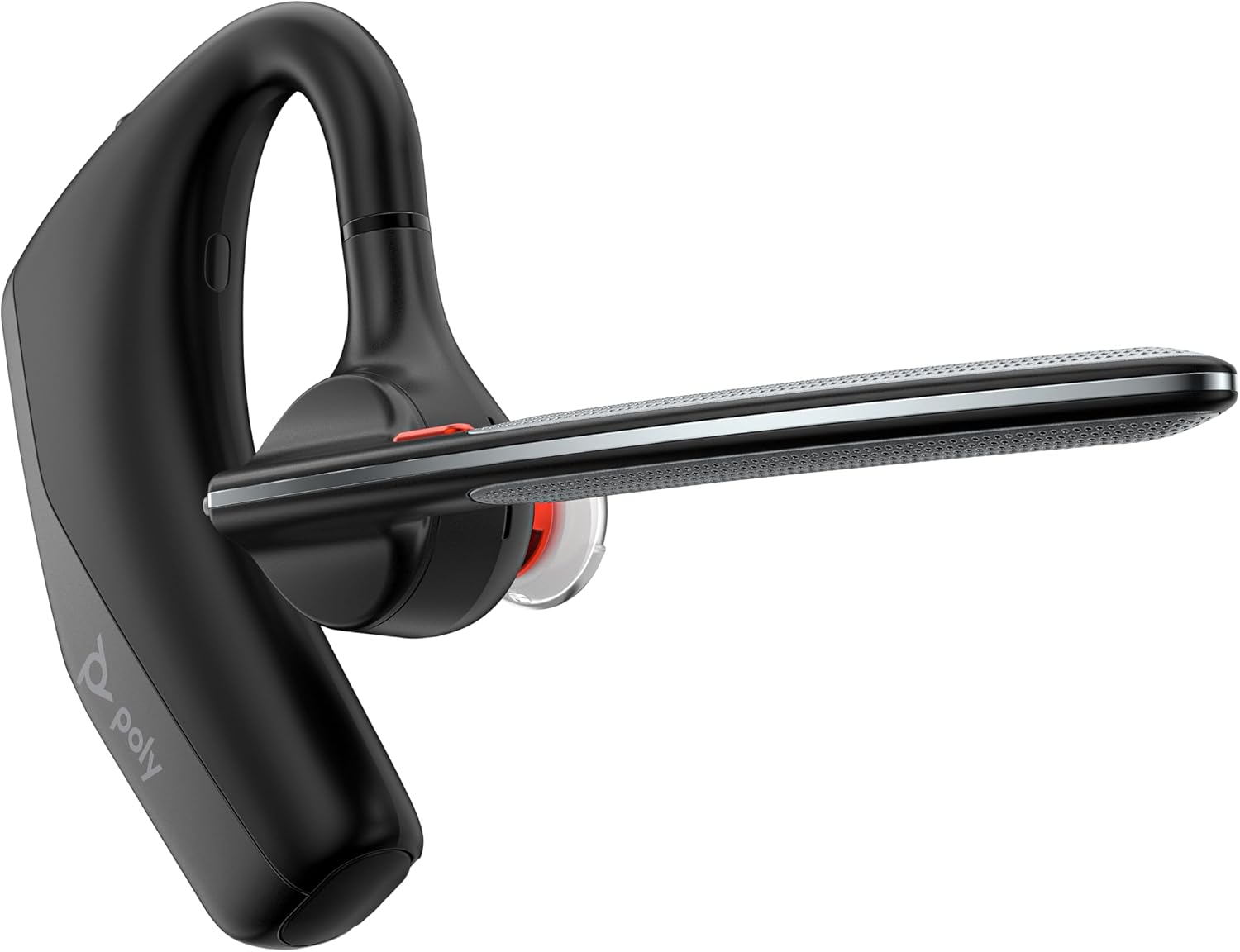
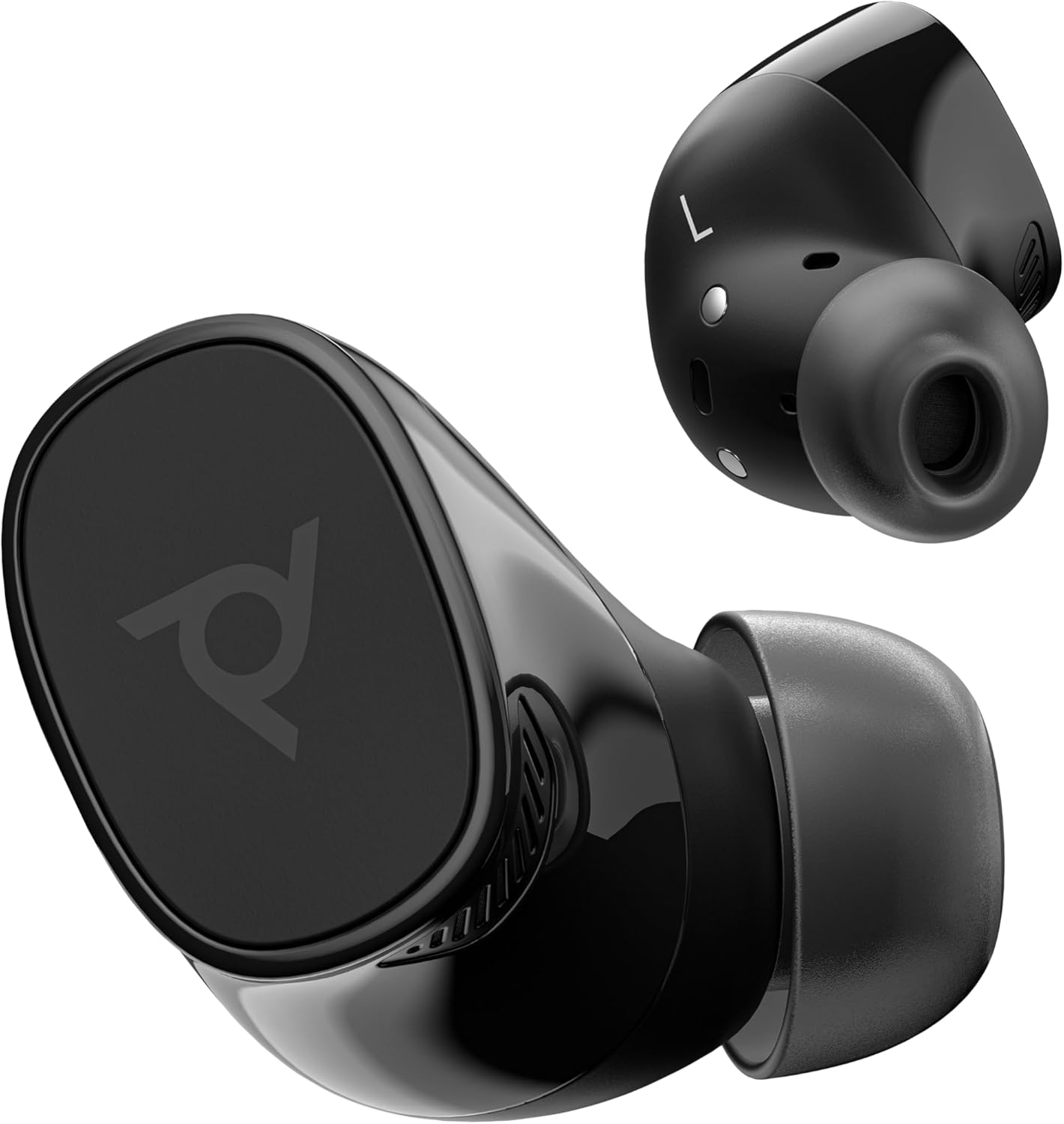
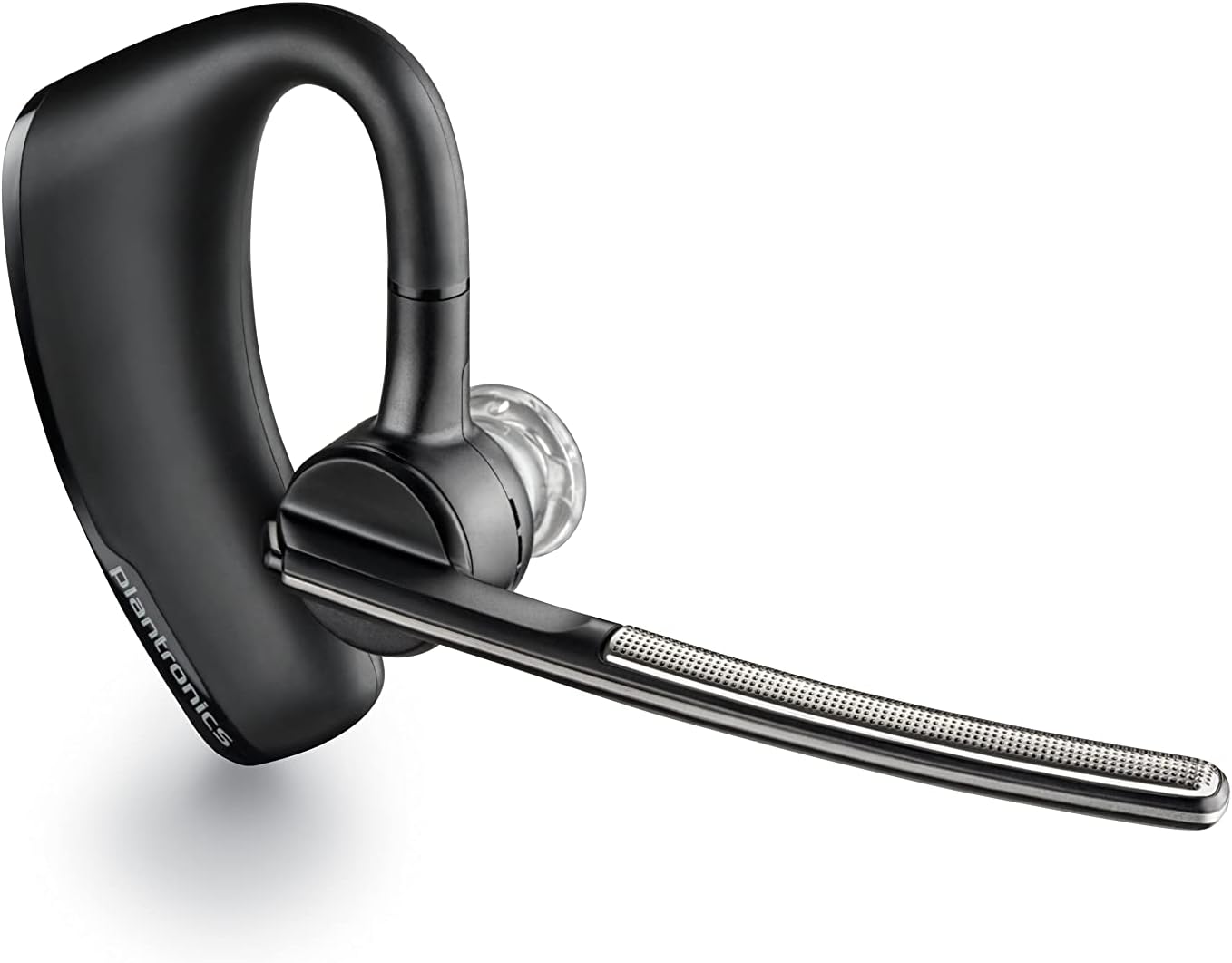
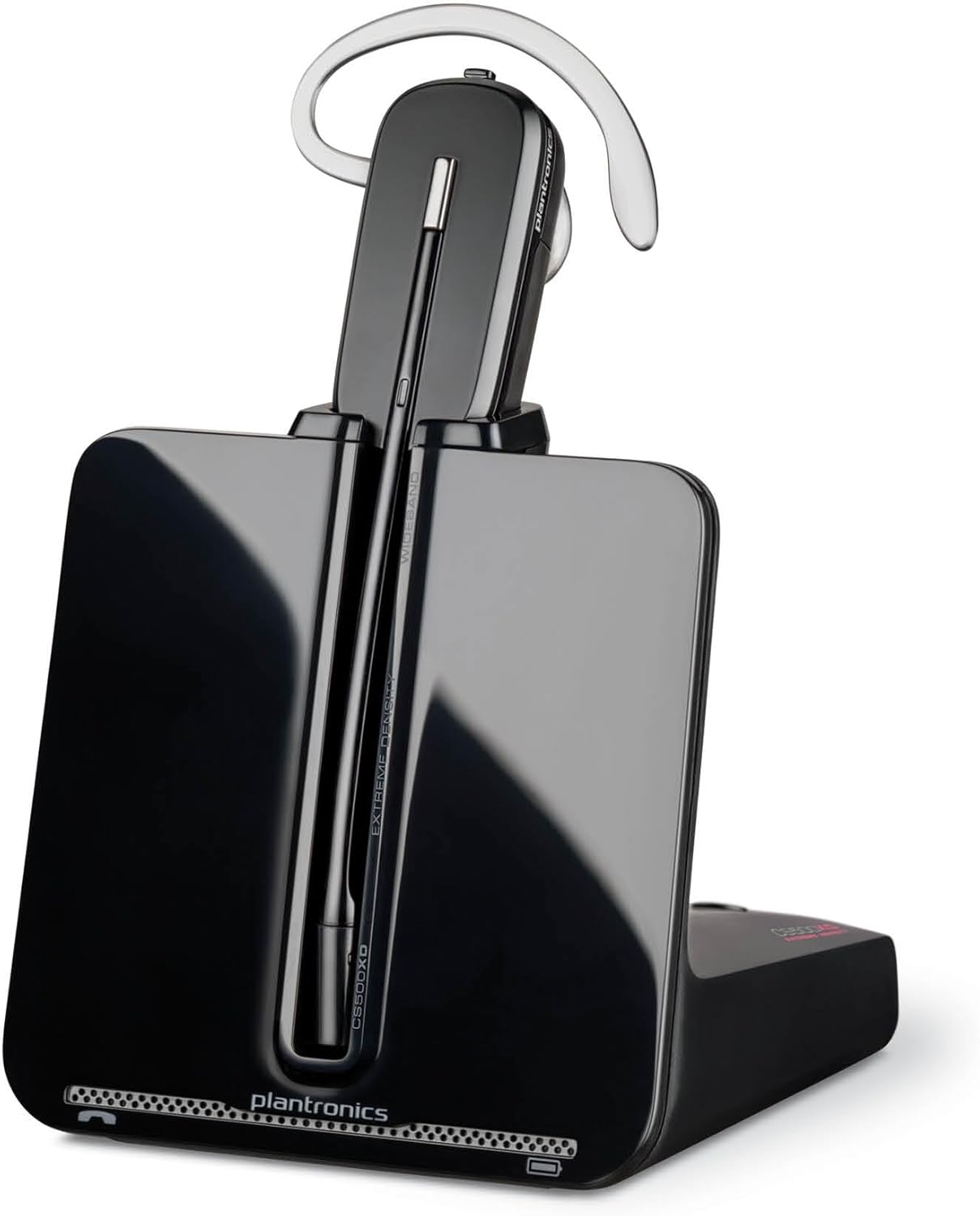
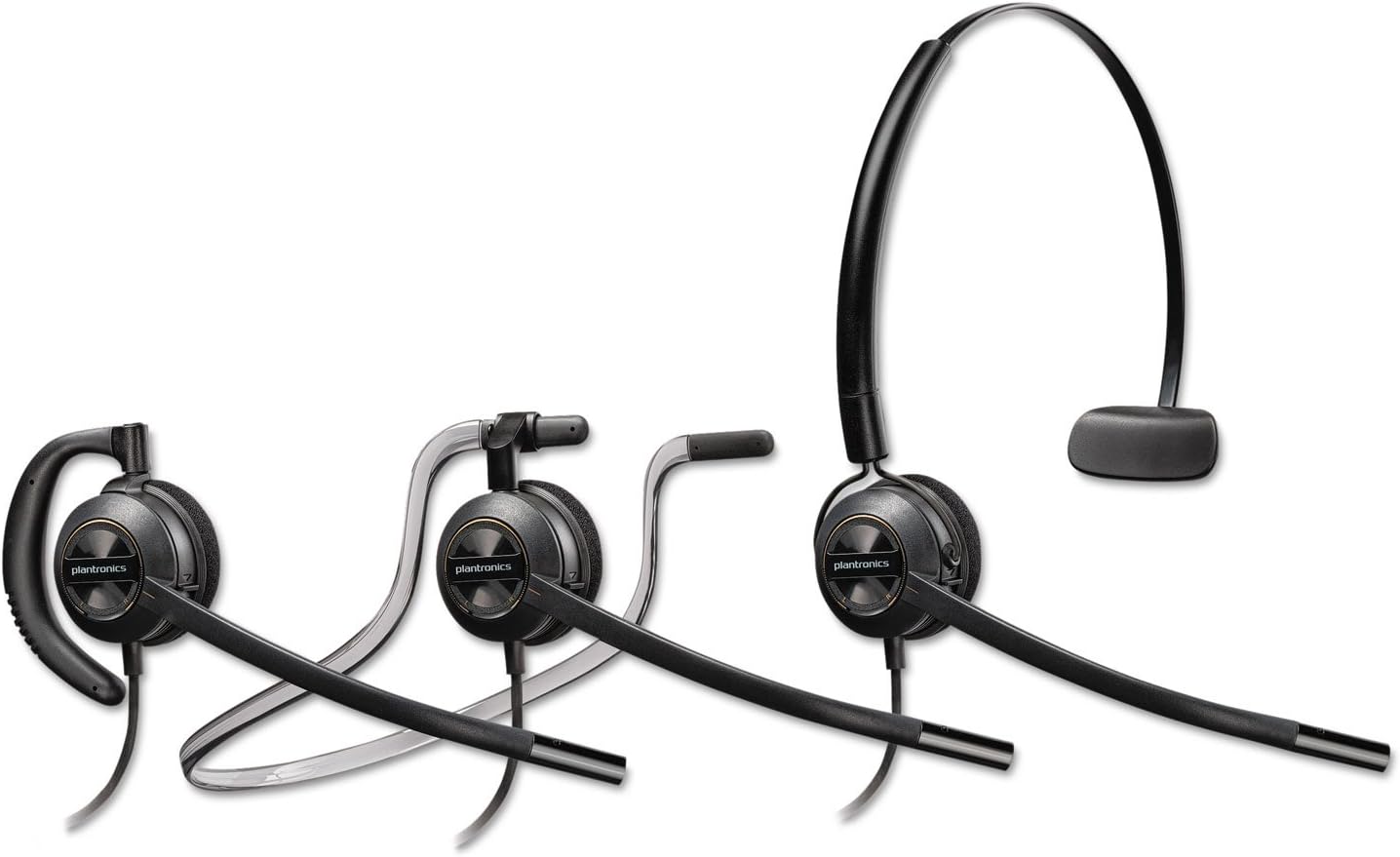
Why Choose Poly Headsets?
Poly headsets are the professional's choice for crystal-clear communication. Backed by over 60 years of audio innovation from Plantronics, now powered by HP.
Superior Audio Quality
Poly's proprietary audio technology delivers HD voice clarity and advanced noise canceling. Whether you're on a Teams call, talking to clients on the go, or managing a contact center, every word comes through crystal clear.
Built for All-Day Comfort
Engineered for professionals who wear headsets 8+ hours a day. Lightweight designs, premium ear cushions, and adjustable fits ensure comfort from the first call to the last.
Trusted by Professionals Worldwide
From the Apollo 11 mission to Fortune 500 boardrooms, Plantronics headsets have been the trusted choice for over 60 years. Now as Poly under HP, that legacy of reliability continues.
About Poly Headsets
Poly's story begins in 1961 when Plantronics was founded in Santa Cruz, California. The company made history when its headset was used by Neil Armstrong to communicate the first words from the moon during the Apollo 11 mission in 1969.
For over six decades, Plantronics set the standard for professional audio communications. The company pioneered lightweight headsets for airline pilots, office workers, and call center agents — establishing itself as the world leader in business headsets and earpieces.
In 2018, Plantronics merged with Polycom, a leader in video and voice conferencing, to form Poly. This combination brought together the best of both worlds: Plantronics' headset expertise and Polycom's collaboration technology.
Now Part of HP
In August 2022, HP Inc. acquired Poly, bringing Poly's audio and video technology into HP's broader ecosystem of personal computing and peripherals. Today, Poly headsets continue under the Poly brand as part of the HP family.
Product Lines
The Poly headset portfolio includes the Voyager series (wireless Bluetooth), Blackwire series (wired USB), Savi series (DECT wireless), EncorePro series (contact center), and Voyager Free series (true wireless earbuds). Each series is designed for specific professional use cases, from mobile road warriors to dedicated contact center agents.
Poly Headset Reviews
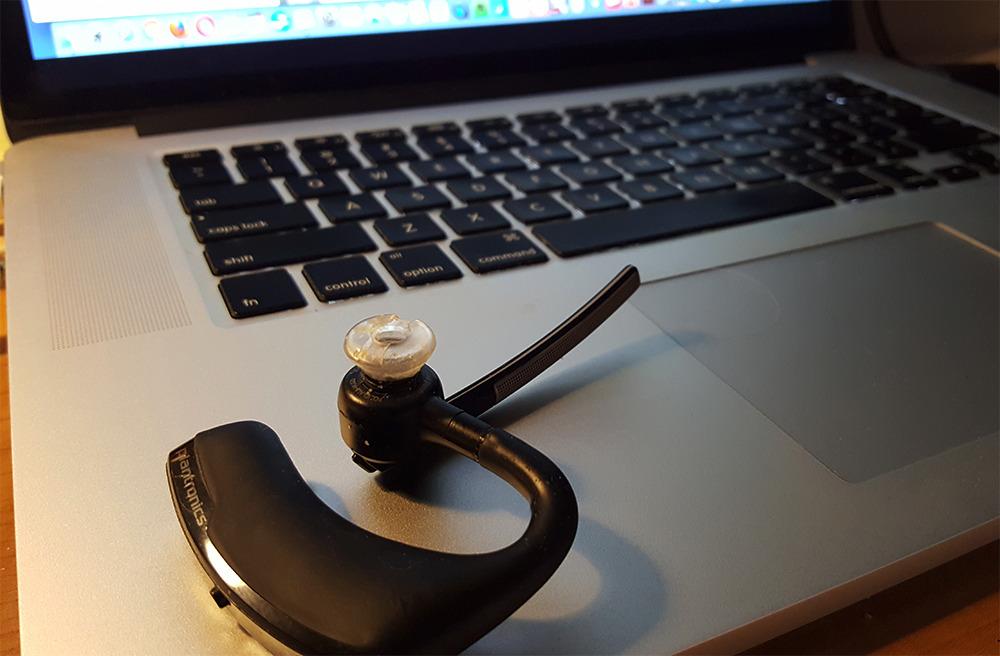
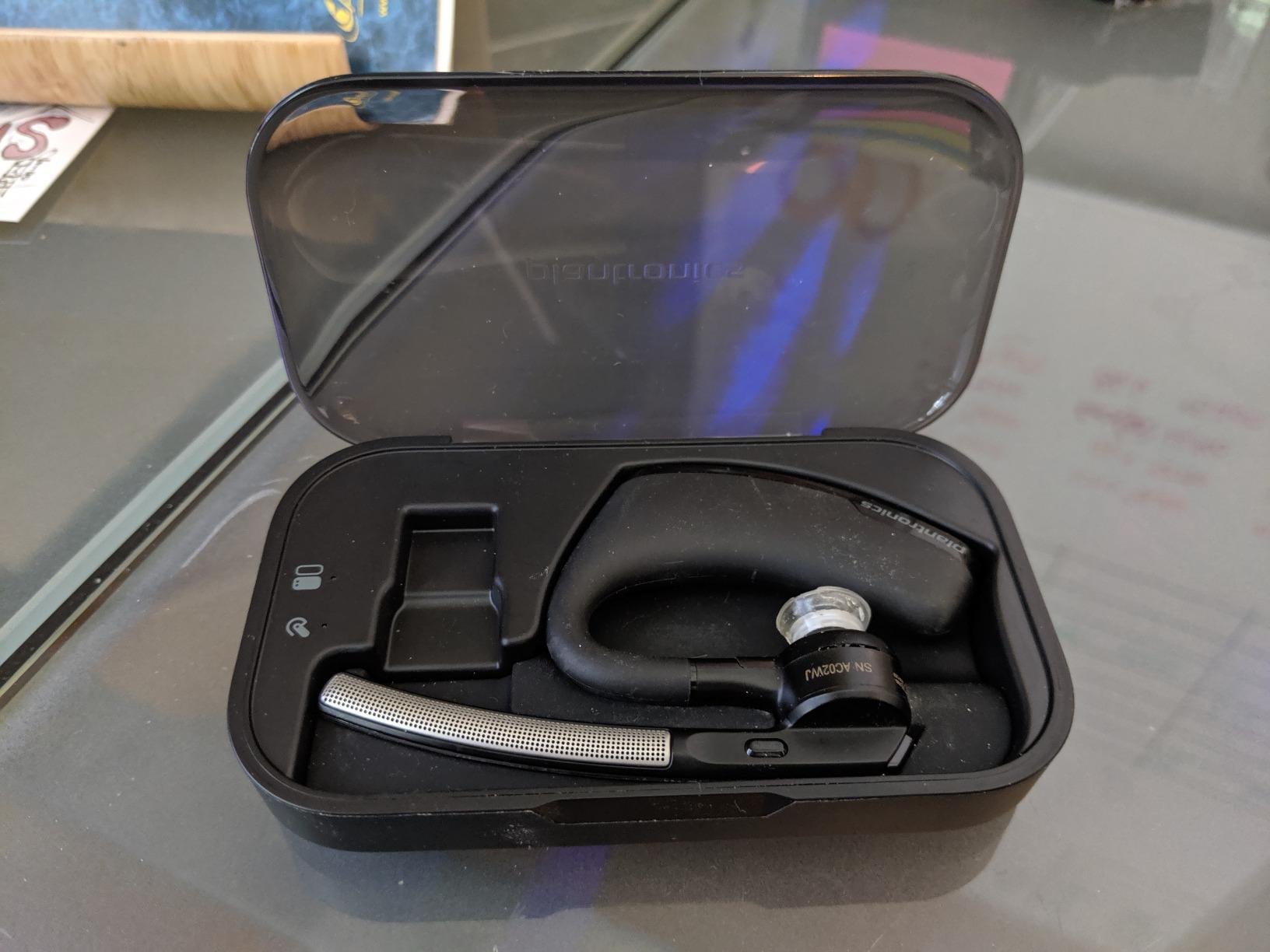
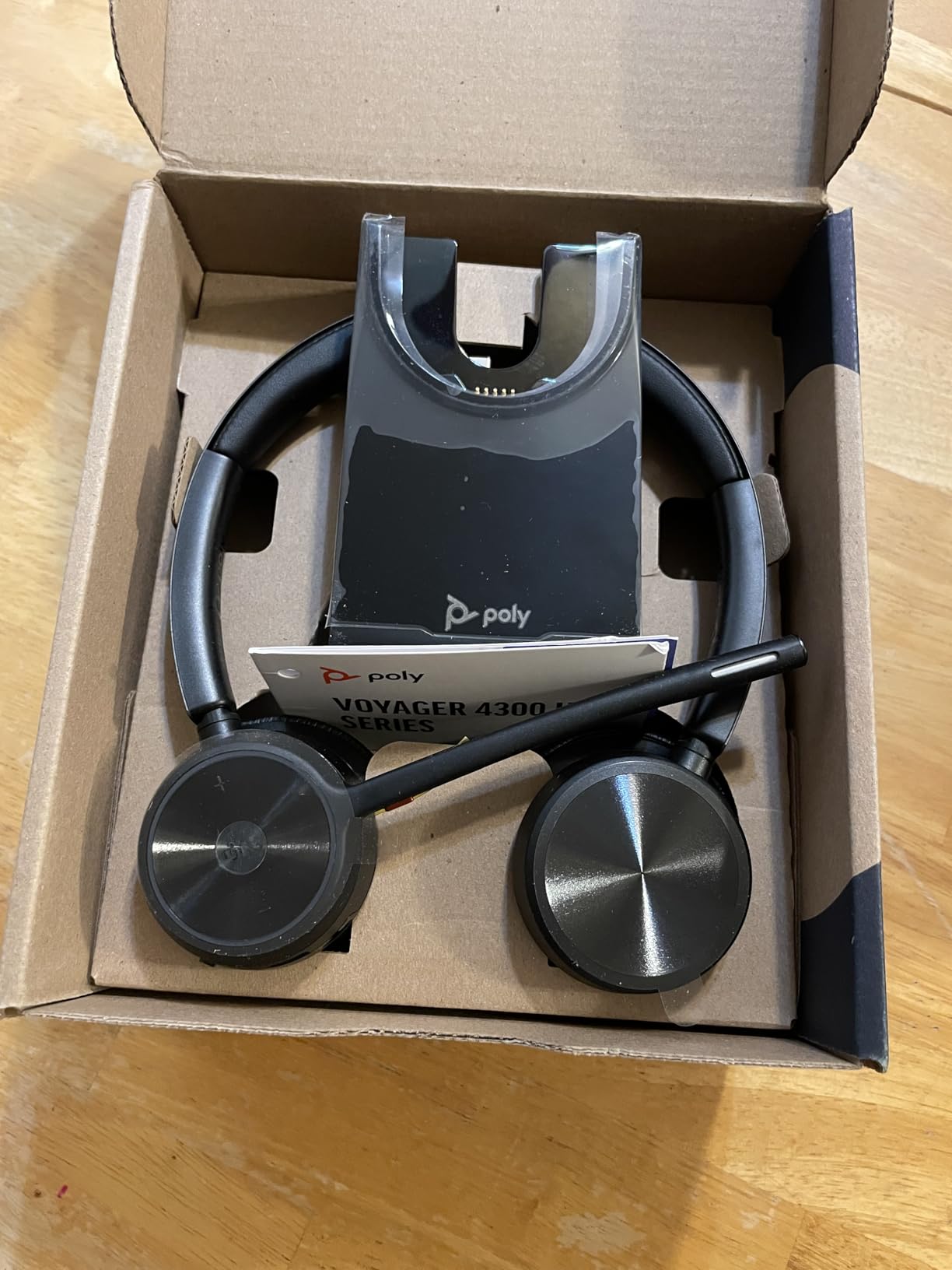
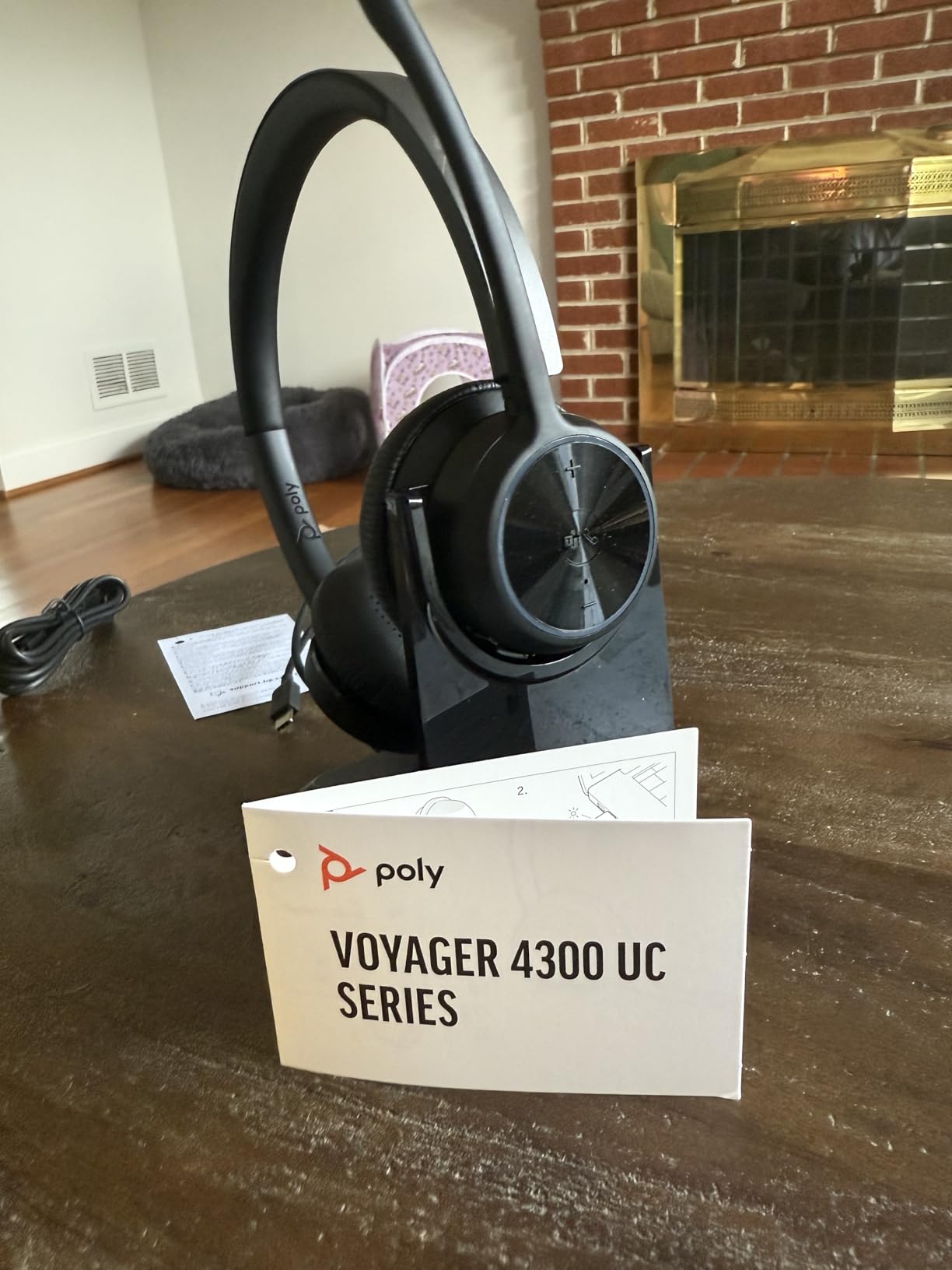
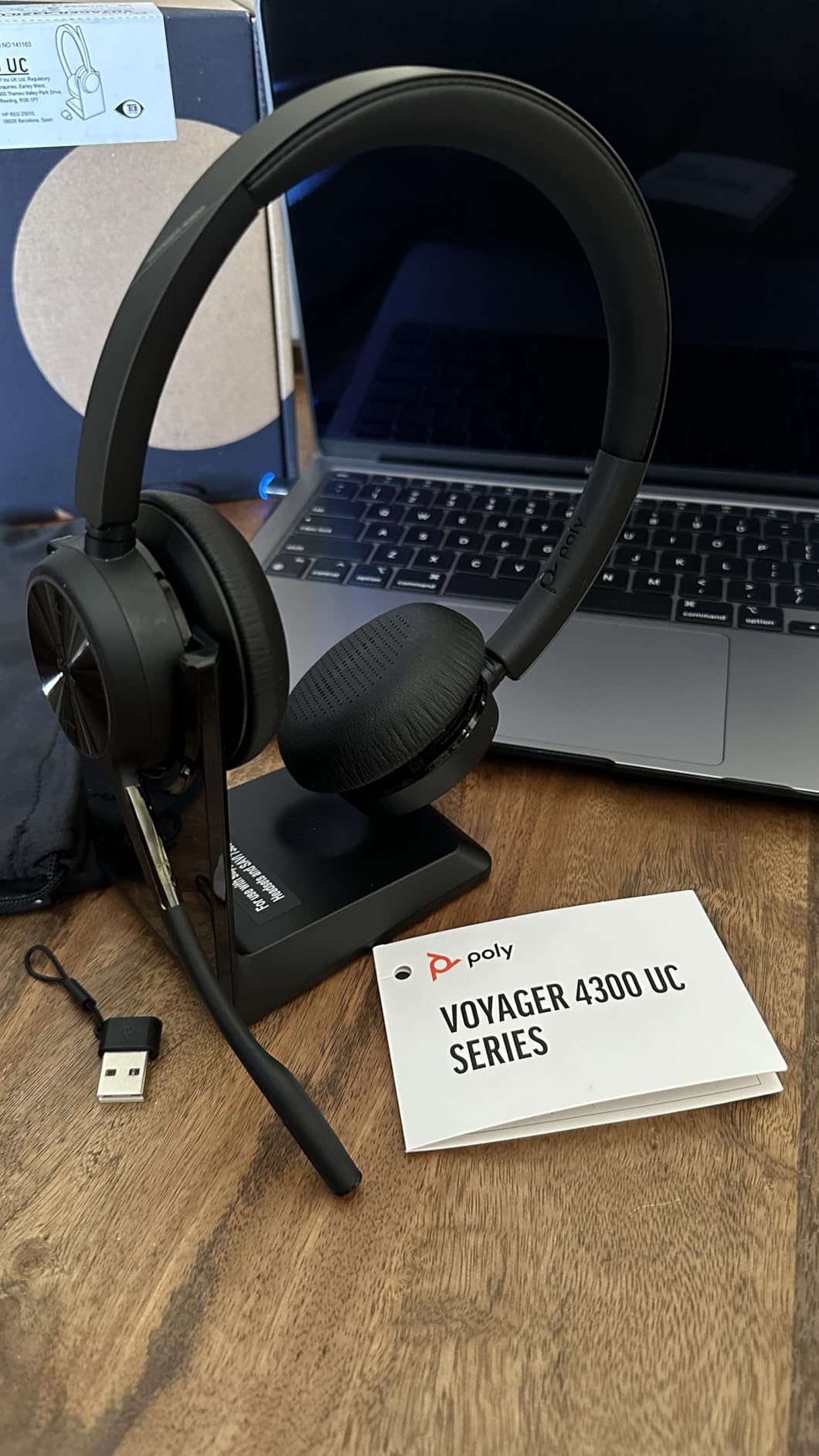
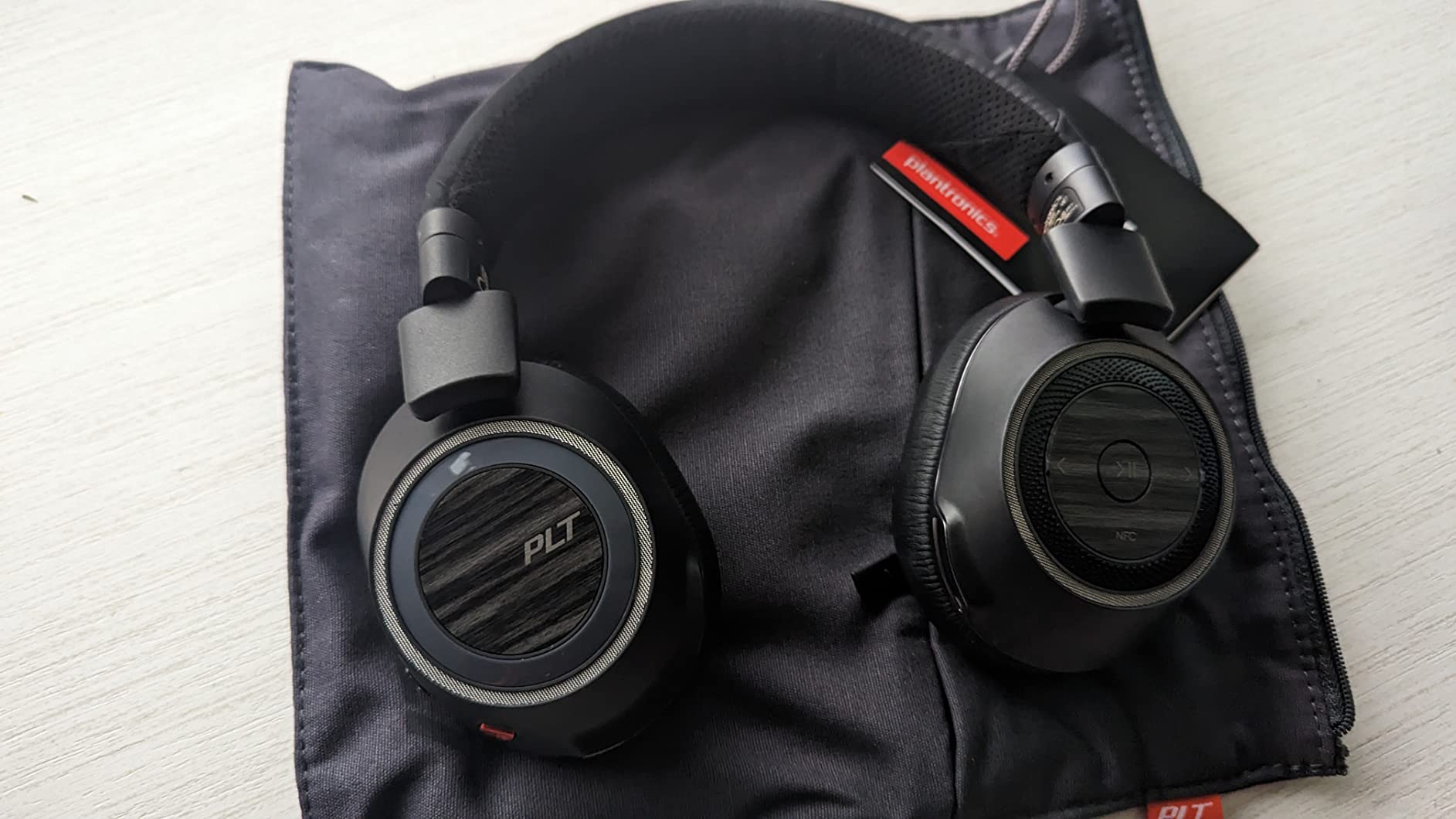
“Great product. I needed something that cuts out background noise from traffic when walking and kids at home. This headset does exactly that. Using it on its own or with noise-canceling software cuts out literally all background noise. Talk time is at least 6 hours on a single charge and takes about 30 minutes to recharge.”
— Matt
“This is an amazing headset. Great quality. Great noise reduction. Good for making business calls and knowing you have a quality headset for it. Soft on the ears and fits well. Good range to walk around the house where I used it. Very clear sound.”
— Arnout P
“Love this headset. I've only had it a little over a year, but I'm super happy with it. It's comfortable on my ears, easy to use, and professional. I never have a problem communicating with clients on the other end. It holds a charge for as long as I need it all day. Highly recommend.”
— Debbie
“I have made two horrible decisions about who to marry, but my twice choosing Plantronics for the most important part of my business, phone calls, was spot on. The CS540 works great, even better than I assumed. Product is durable and easy to use. Most important: the volume level adjusts appropriately to suit my hearing.”
— FunDirector
“To install the system was easy and fast. Using the headset has been a game changer for my neck. The pain is gone. I'm able to use the computer and talk with people with no issues. The sound is great and clear.”
— Kristine Garcia
“I got this unit due to price point and name brand. Was pleasantly surprised by its quality and the ease in which it hooked up to our phones. I am getting several more and the user is deliriously happy with it. Current user was amazed that she could continue on call at a 50 foot distance from her desk.”
— John Odoj
How to Pair Your Poly Headset
Quick guide to connecting your Poly headset to different devices.
Pair via Bluetooth
- Turn on your headset and activate pairing mode — hold the Call button or power switch for 4–6 seconds until the LED flashes red and blue
- On your phone, laptop, or PC, open Bluetooth settings
- Select your Poly headset from the available devices list
- Wait for the confirmation tone — you're connected
Connect to PC or Mac via USB
- Plug the USB-A or USB-C adapter (or cable for wired models) into your computer
- Your headset should be recognized automatically — no drivers needed
- In your audio settings, select the Poly headset as the default input and output device
- For Teams or Zoom, check the app's audio settings to confirm the headset is selected
Connect DECT Headset to Base Station
- Connect the DECT base station to your desk phone using the included cables
- Place the headset in the charging cradle — it will pair with the base automatically
- If not auto-paired, press the subscribe button on the base, then on the headset
- The headset LED will go solid when connected — ready for calls
Connect to Multiple Devices
- Many Poly Voyager headsets support multipoint Bluetooth — pairing with 2 devices at once
- Pair with your first device normally
- Put the headset back into pairing mode and pair with the second device
- The headset will automatically switch audio to whichever device has an active call
Frequently Asked Questions
Everything you need to know about Poly headsets, Plantronics, and finding the right headset for your needs.
Find Your Perfect Headset
Explore the complete Poly headset collection. Wireless Bluetooth, wired USB, DECT headsets, and true wireless earbuds — professional audio for every workspace.
Browse on Amazon