Poly Headsets
Every Poly headset in one place, formerly Plantronics and now an HP brand. Clear noise-canceling microphones, cushions built for all-day shifts, and certification for Microsoft Teams and Zoom, backed by 60 years of audio engineering.
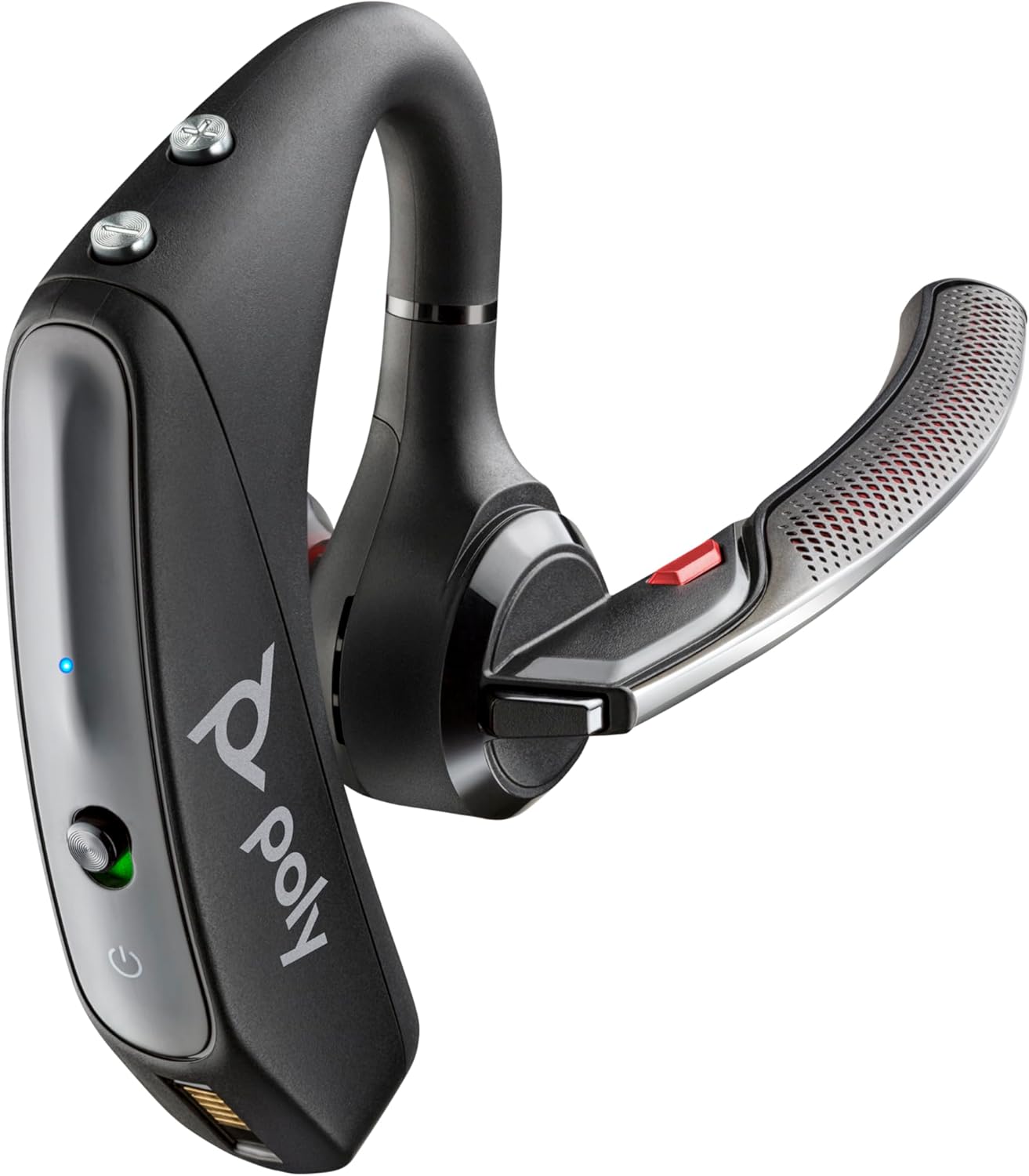
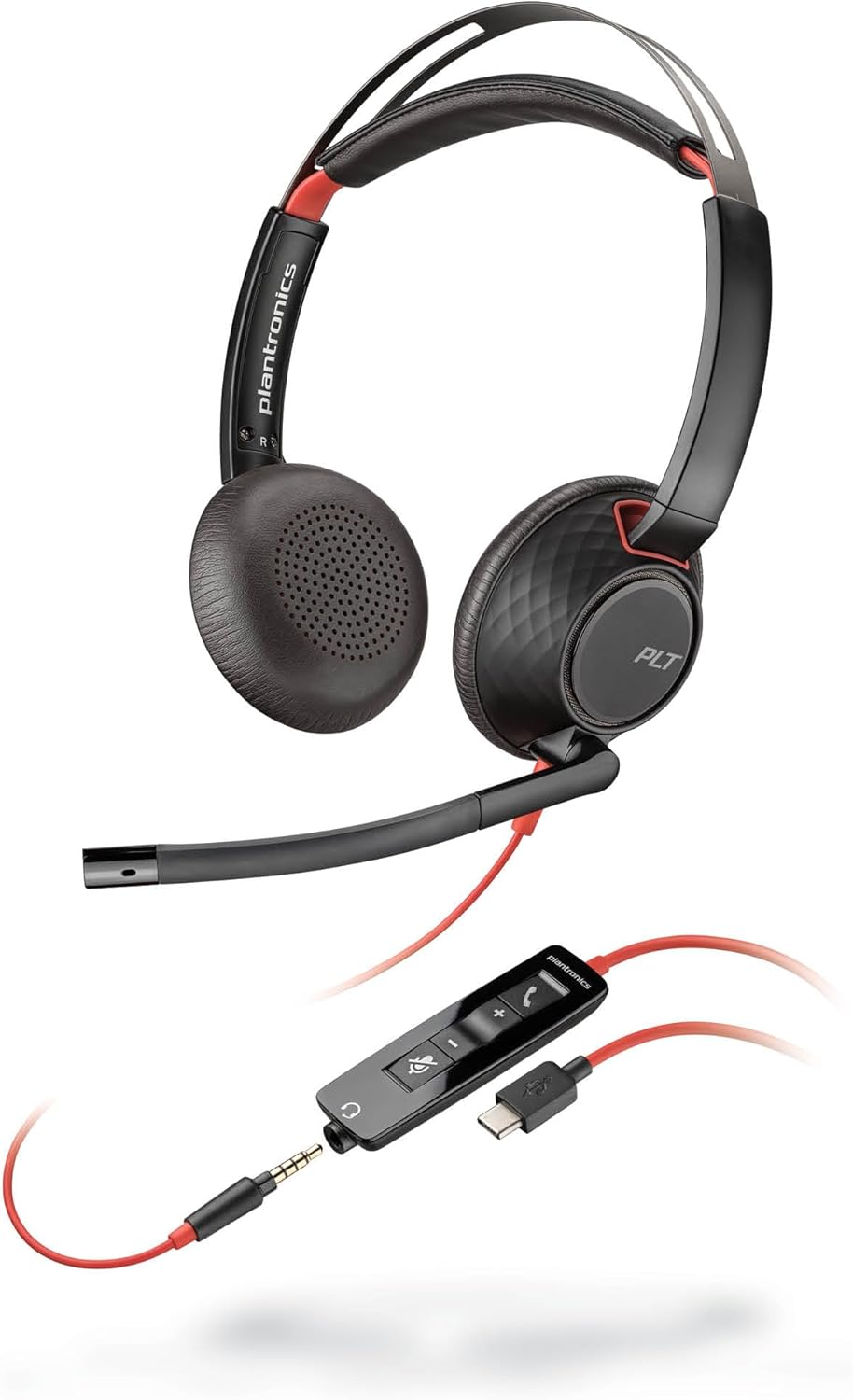
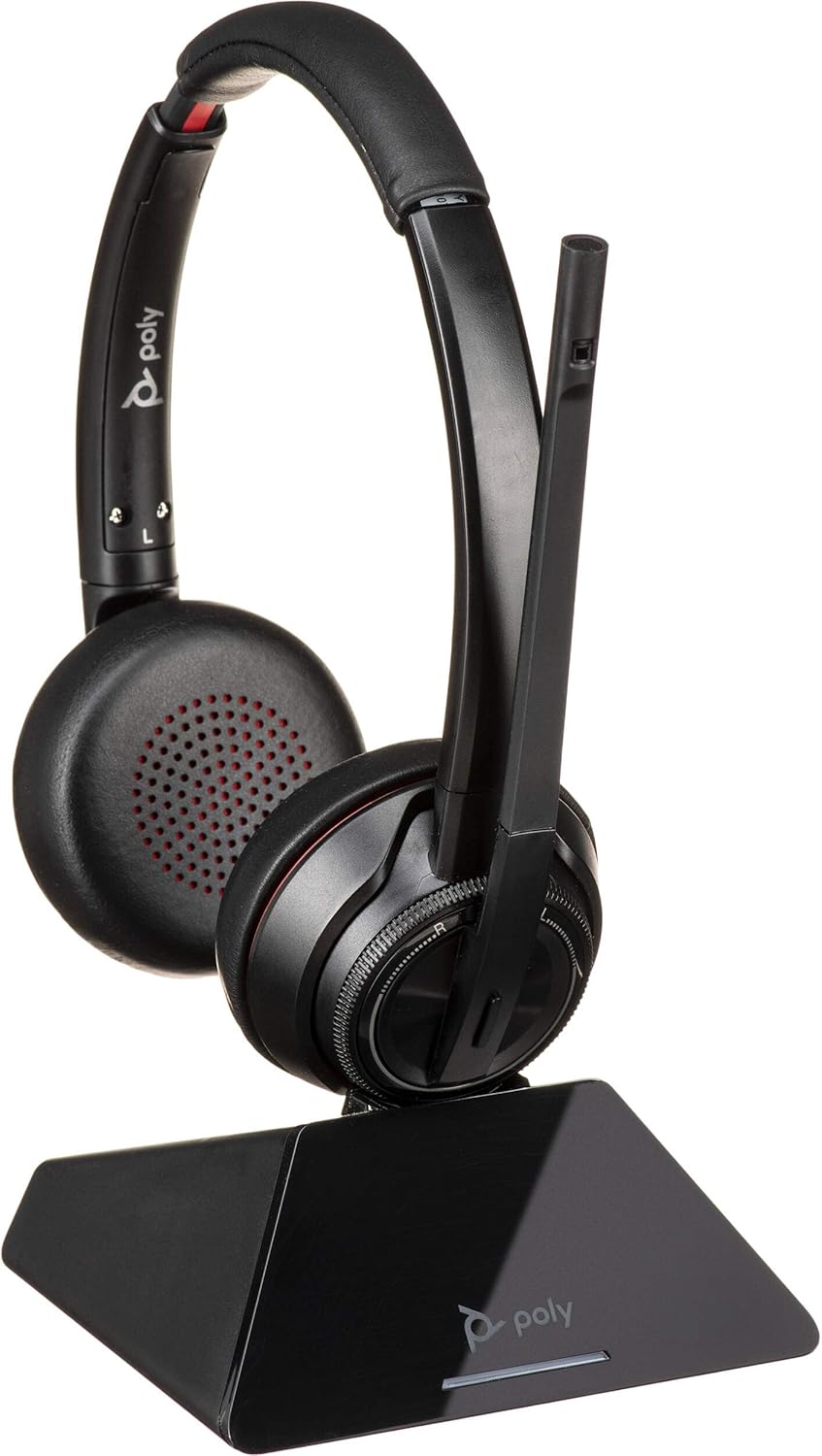
Poly Headset Collection
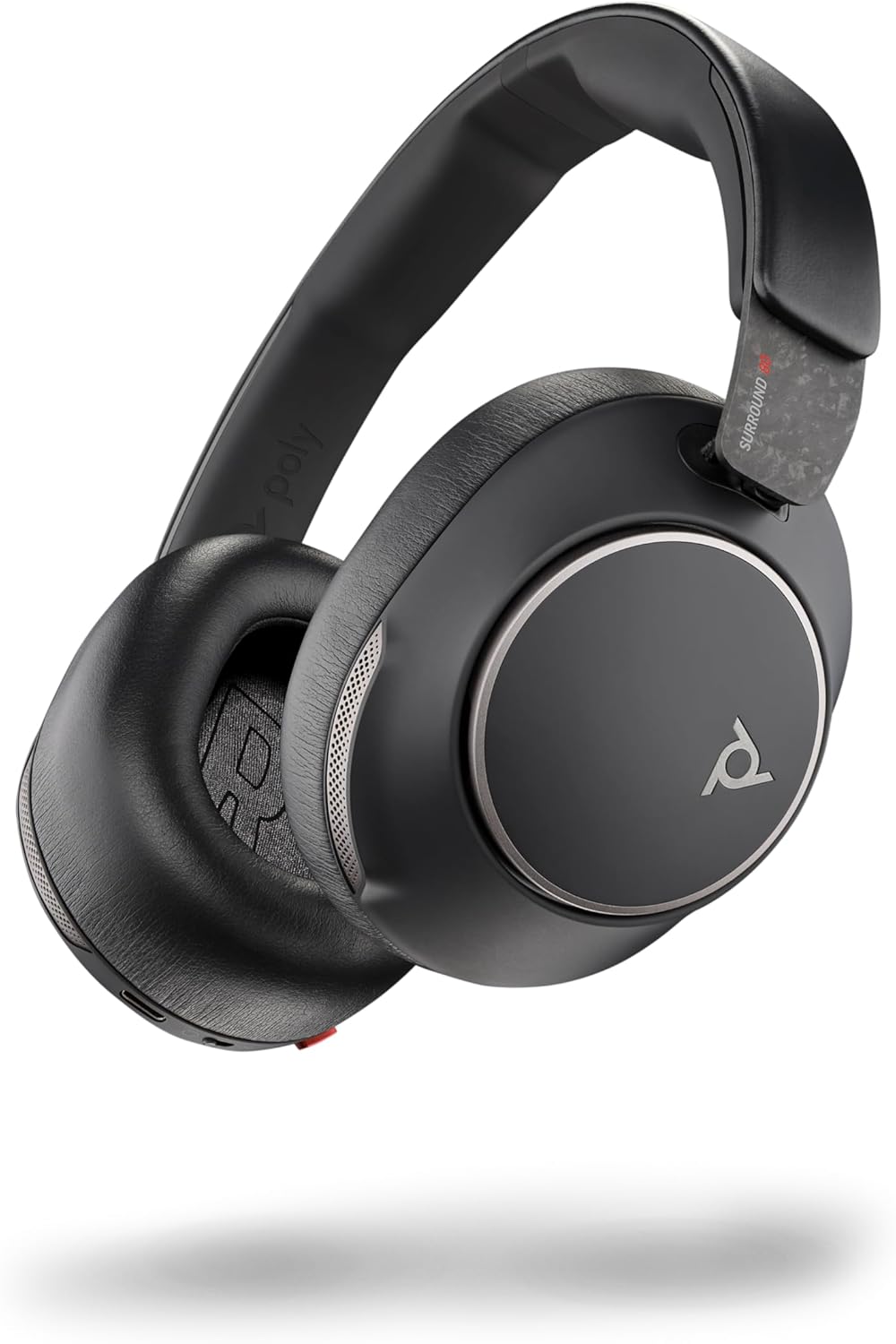
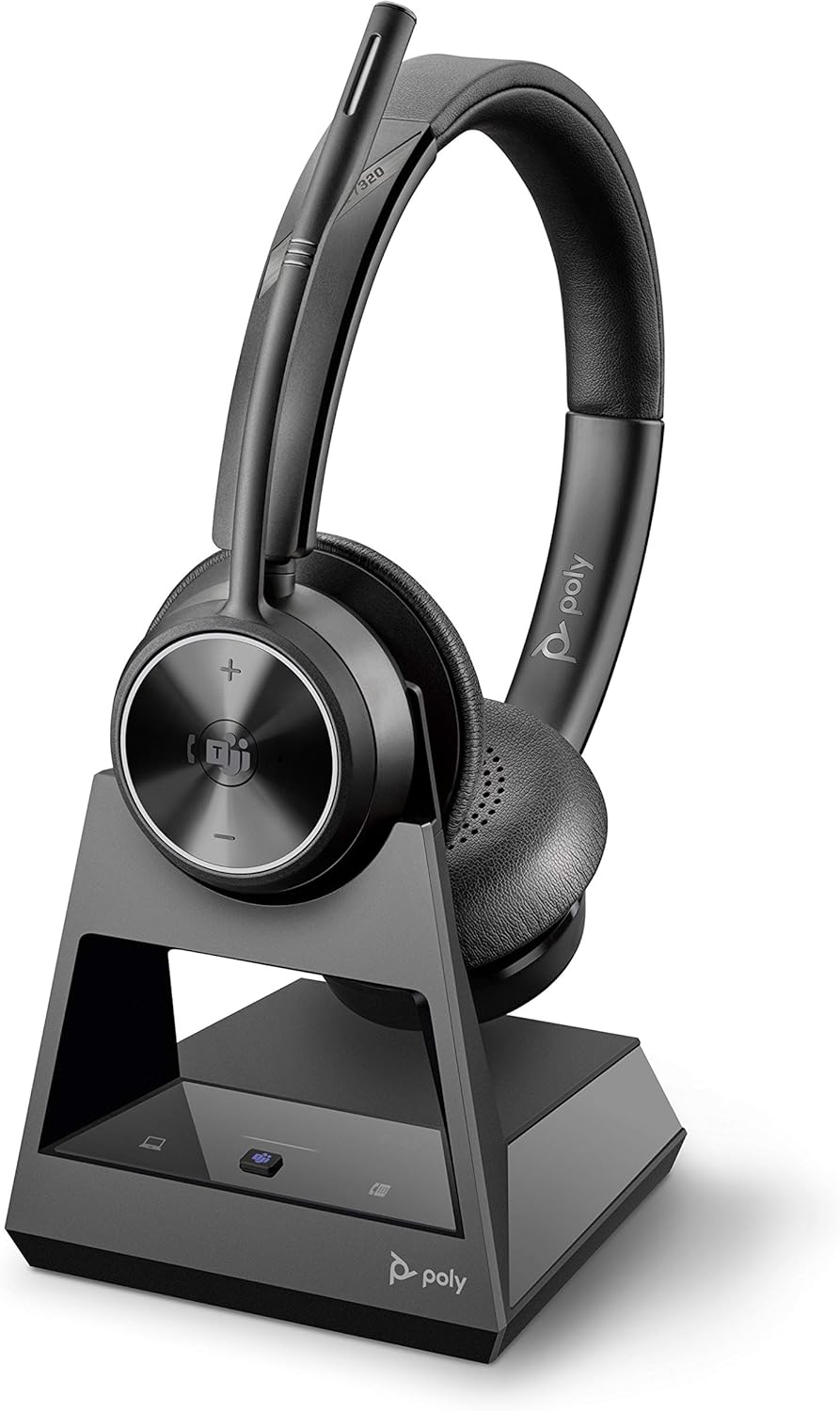
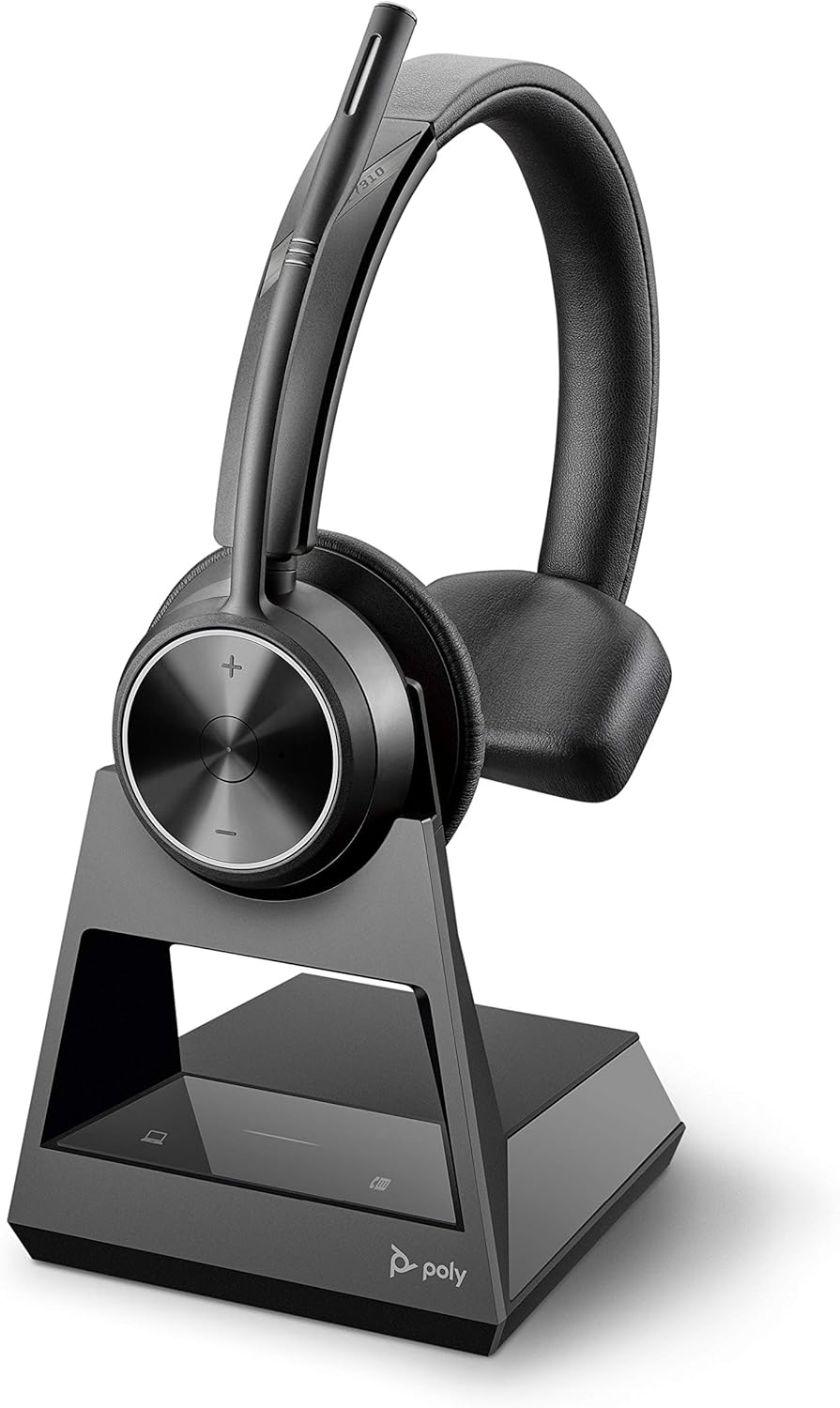
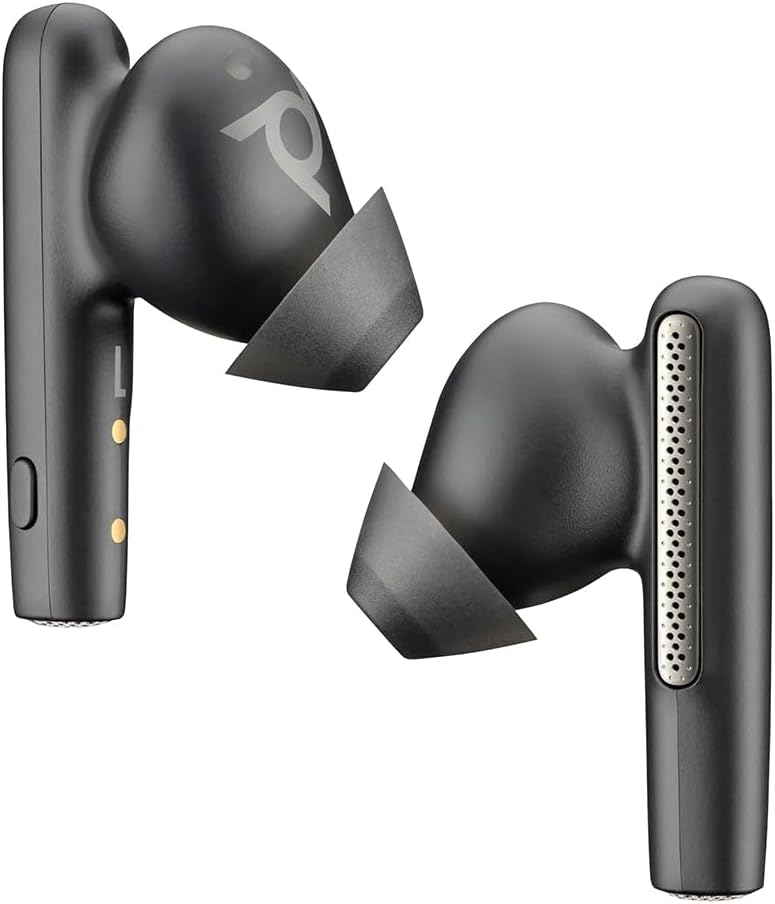
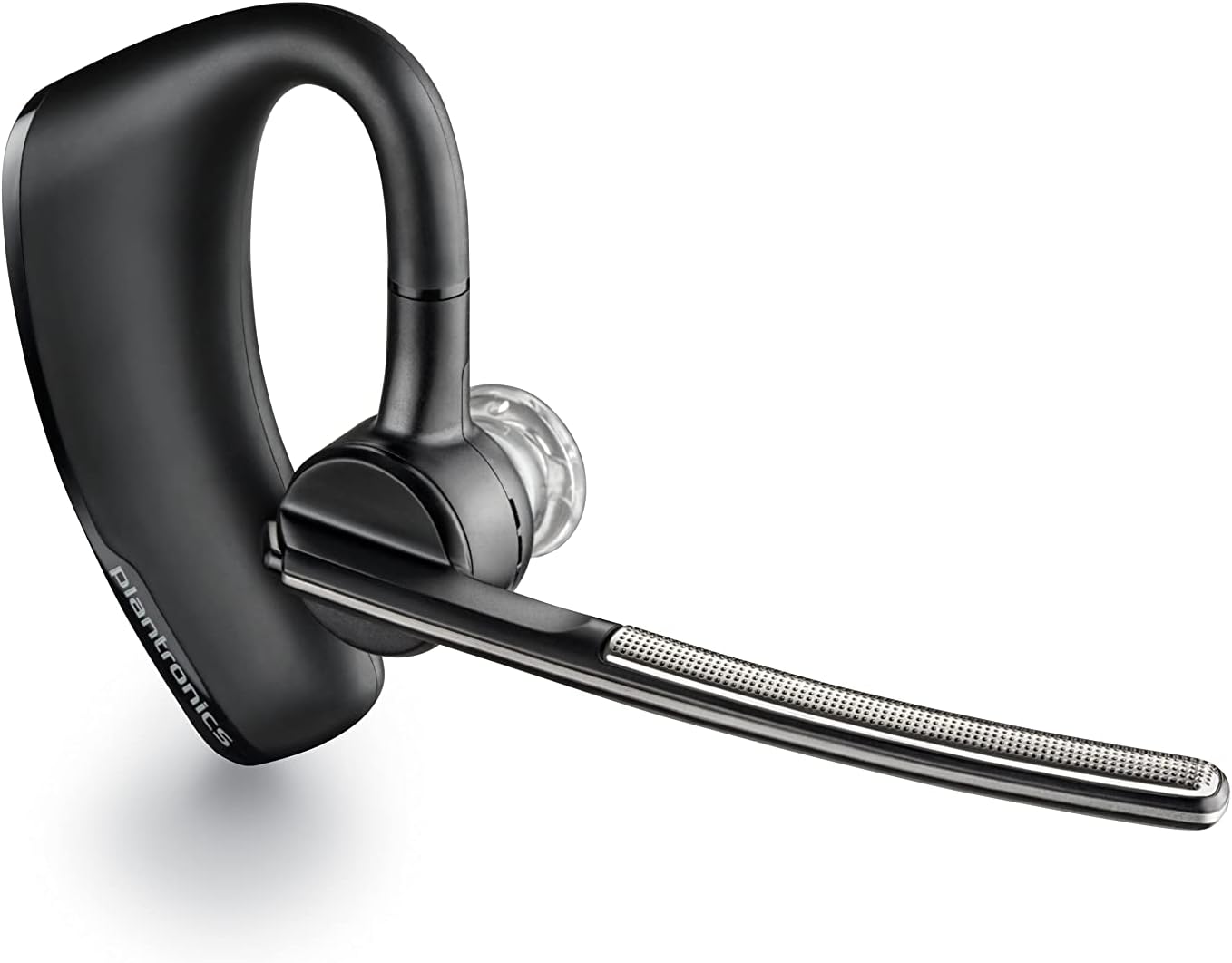
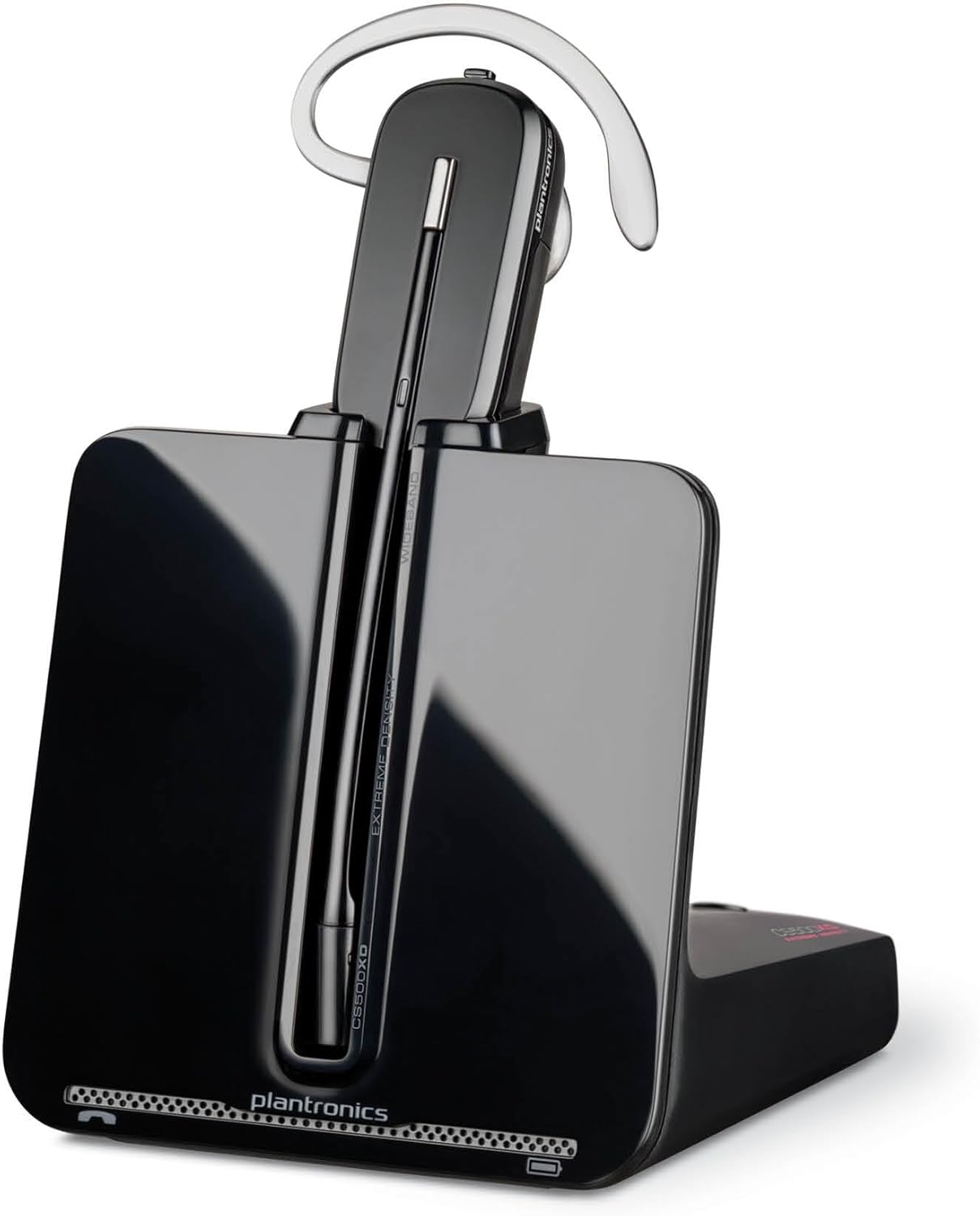
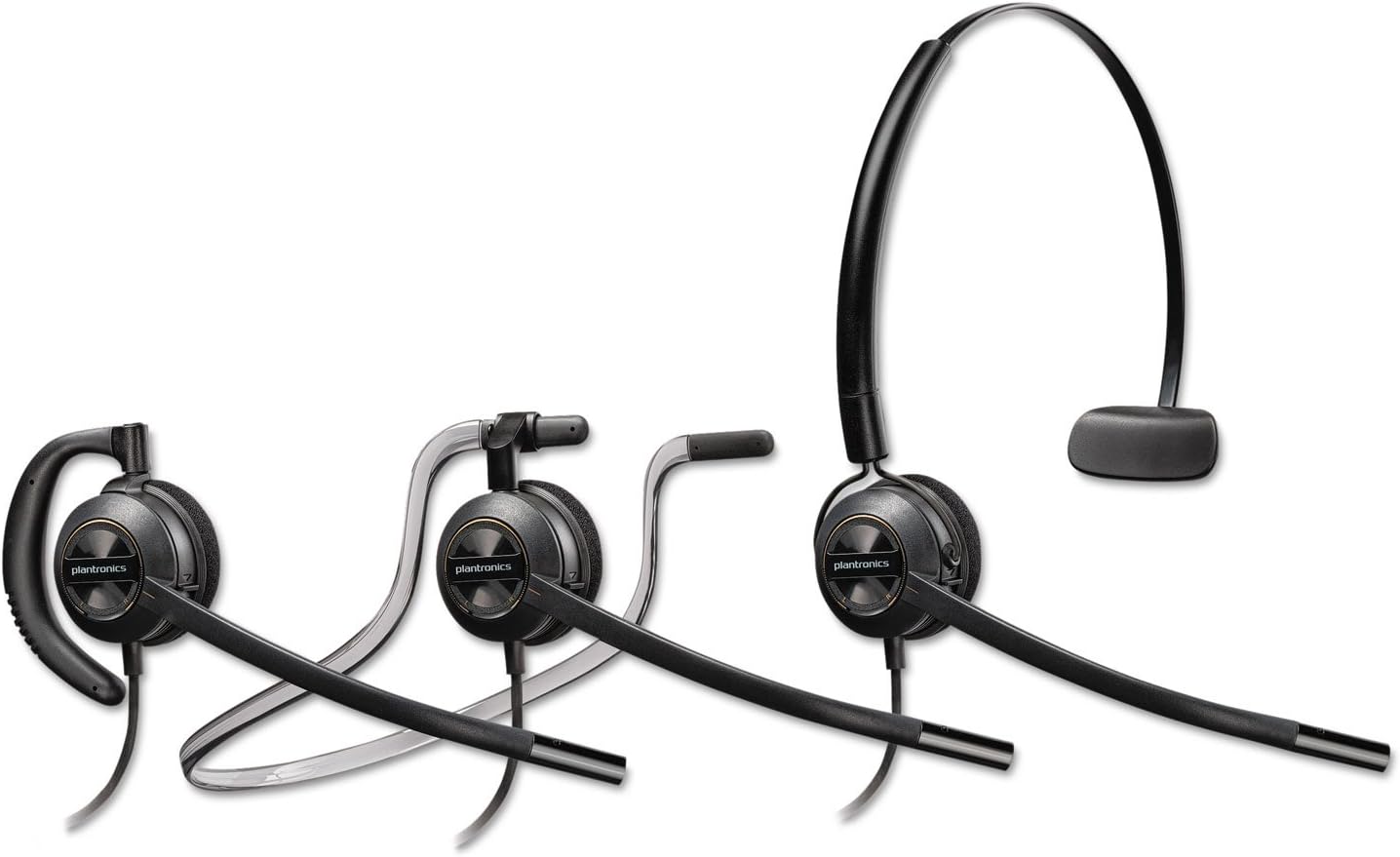
Hand-picked Poly headsets for everyday professional work. Choose Bluetooth for mobility, USB for plug-in desk calls, or DECT for cordless range at your workstation.
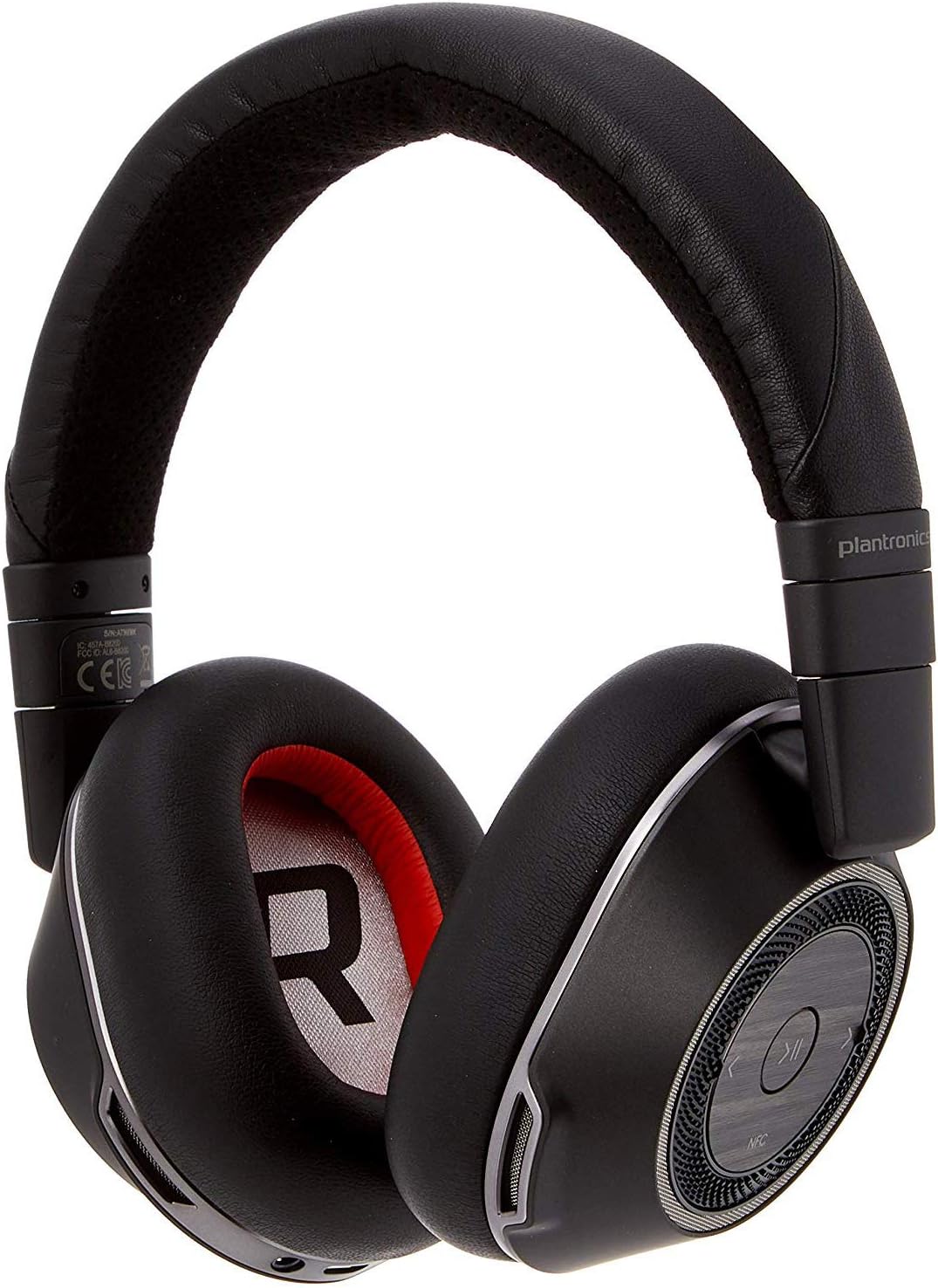
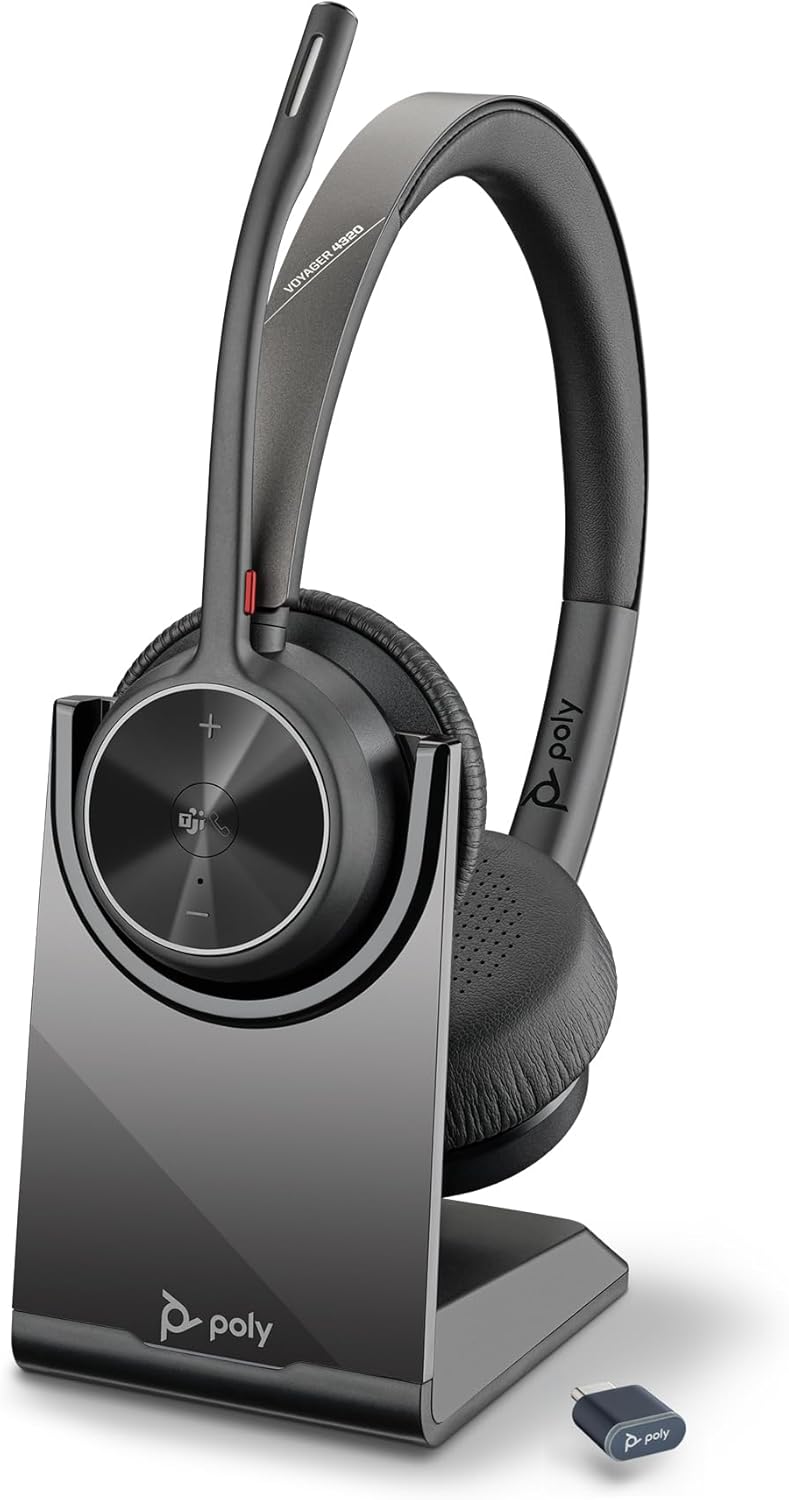
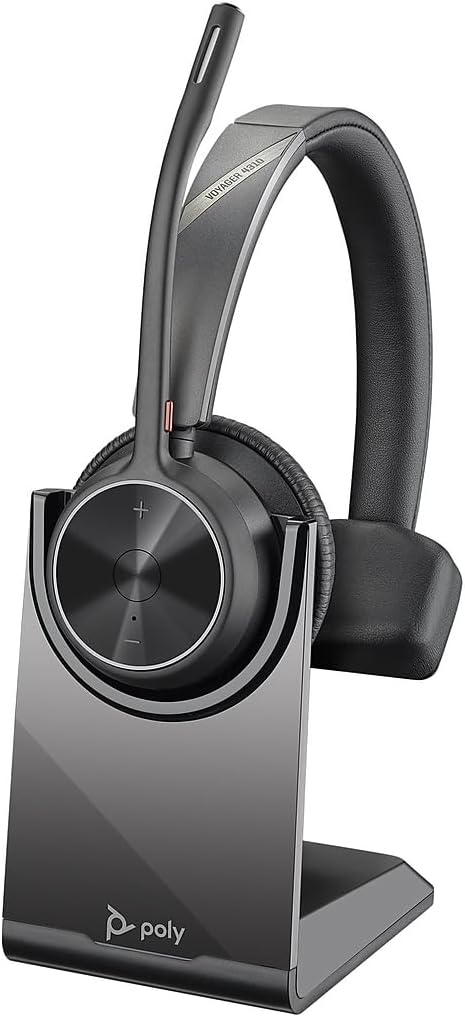
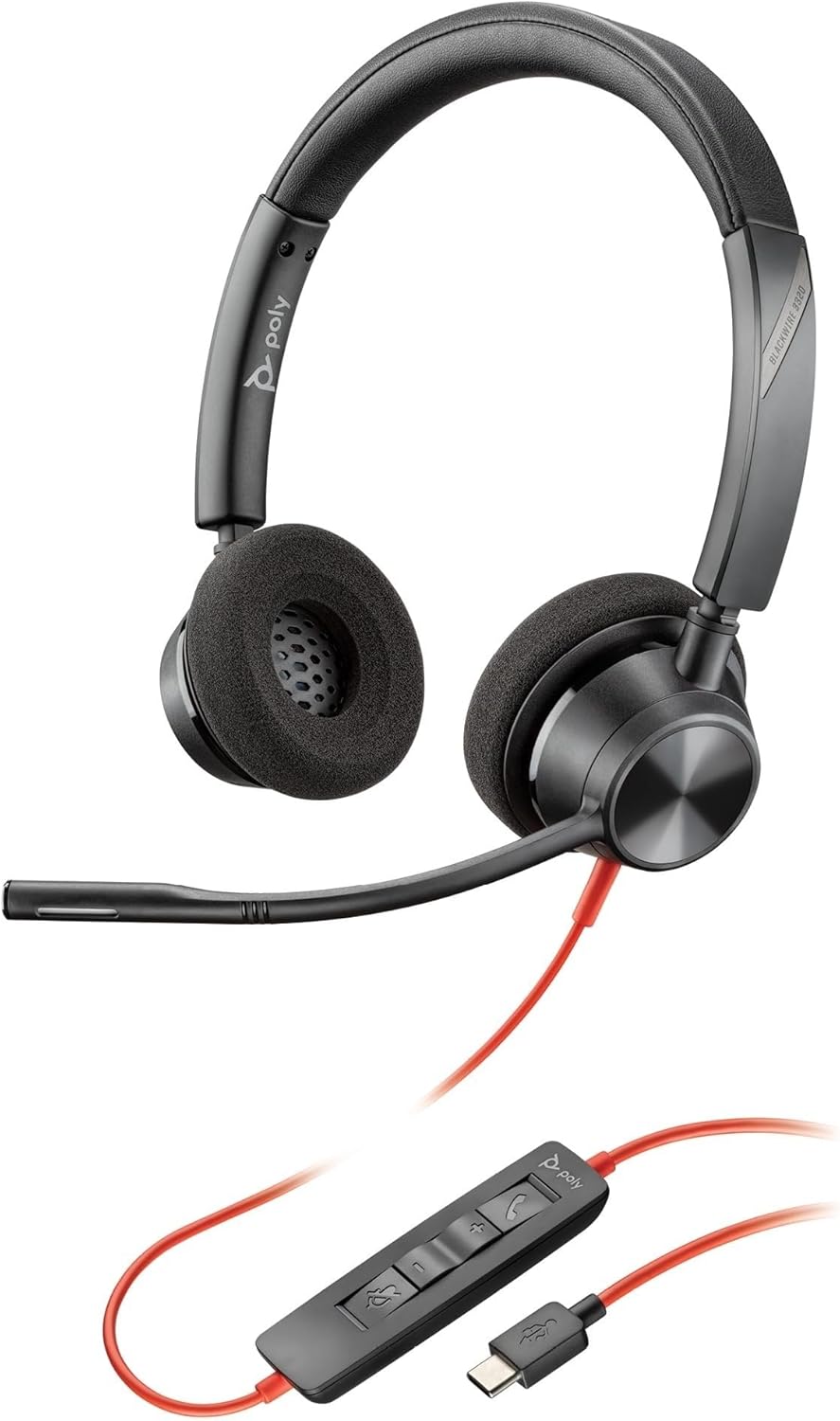
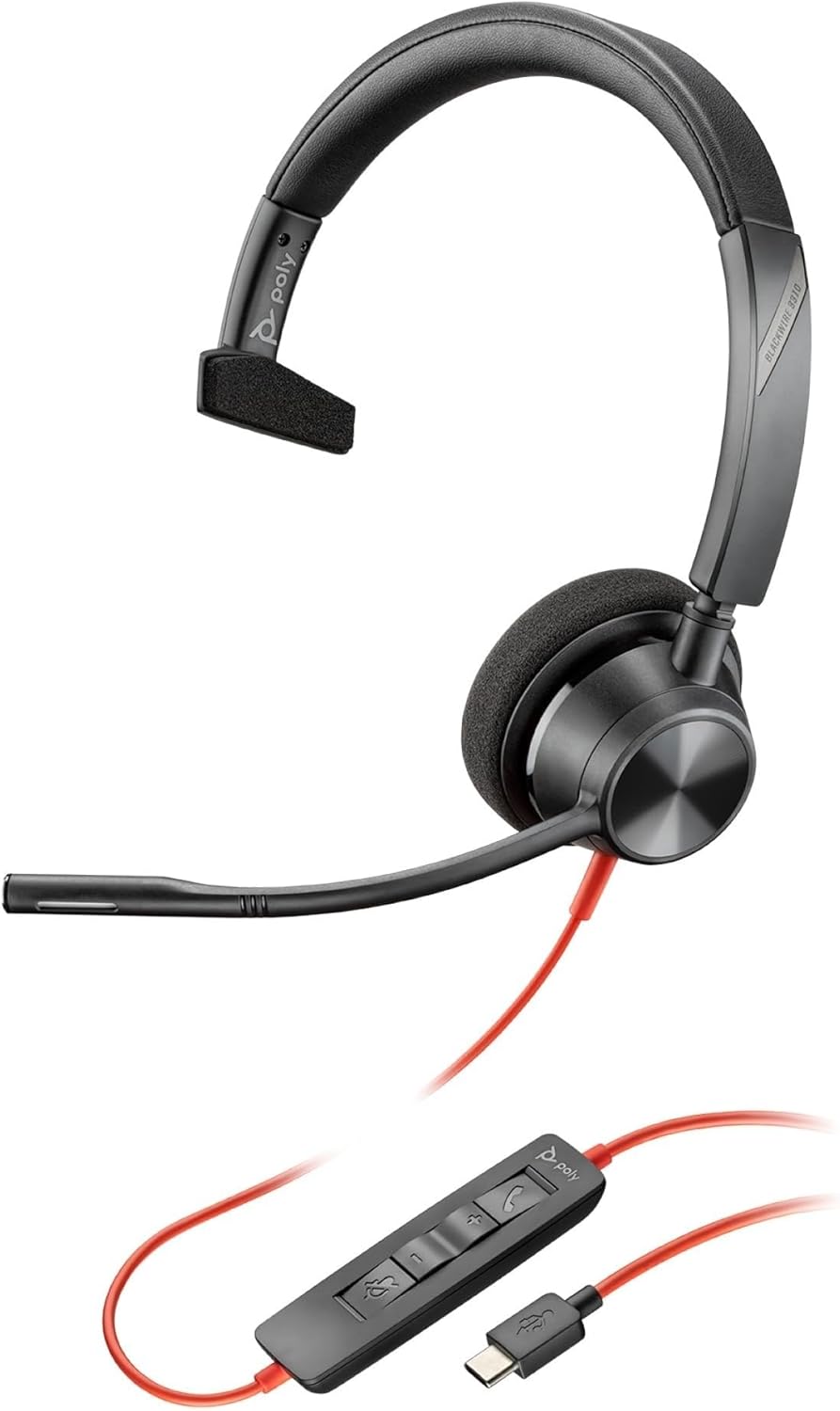
Why Choose Poly Headsets?
Sixty years of headset engineering, from the original Plantronics workshop to HP's labs, aimed at one thing: the person on the other end hears you, not the room behind you.
Voice That Cuts Through Noise
Dual-mic noise canceling strips out keyboards, traffic, and open-plan chatter so callers hear your voice on its own. It holds up on Teams meetings, client calls from the car, and a full day on the contact-center floor.
Comfort Through the Whole Shift
Light frames, soft leatherette or foam cushions, and a fit you can adjust mean you stop noticing the headset is there. Built for back-to-back calls that would leave a cheaper pair aching by mid-afternoon.
Proven Since Apollo 11
The headset that carried Neil Armstrong's first words from the Moon was a Plantronics. Six decades on, that same obsession with clear voice ships in every Poly model, now under HP.
About Poly Headsets
Poly is the enterprise audio brand behind the headsets, speakerphones, and video bars that run business calls around the world. It took its current form in 2018, when headset maker Plantronics combined with conferencing company Polycom, and the combined business now belongs to HP, which acquired it in August 2022.
The Plantronics side of that story is the older one. The company opened in Santa Cruz, California in 1961 around a single idea: a headset light enough to wear all day. That idea hit its most famous moment in July 1969, when a Plantronics unit carried Neil Armstrong's voice as he stepped onto the Moon and spoke to Mission Control.
Over the sixty years since, the brand became a fixture in airline cockpits, trading floors, and call centers, the places where one dropped word actually costs something. That focus on the spoken word, rather than consumer music, still shapes what the Poly range is built to do.
Now Part of HP
HP completed that acquisition in August 2022 and folded the audio and video lineup into its wider catalog of computers and workspace gear. For buyers, little changed on the shelf: the Voyager, Blackwire, and Savi names carried straight across, now backed by HP's support and warranty network.
Product Lines
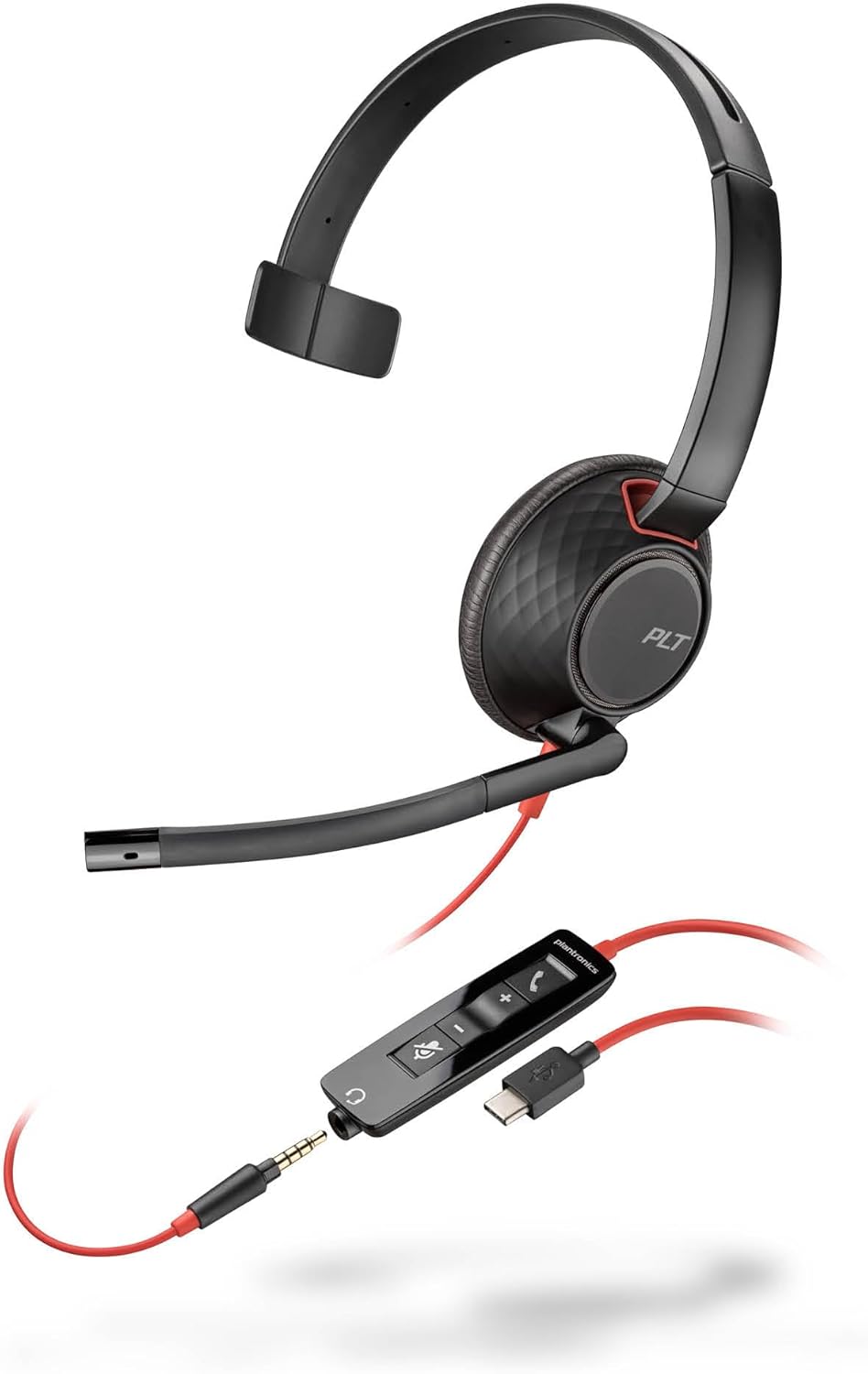
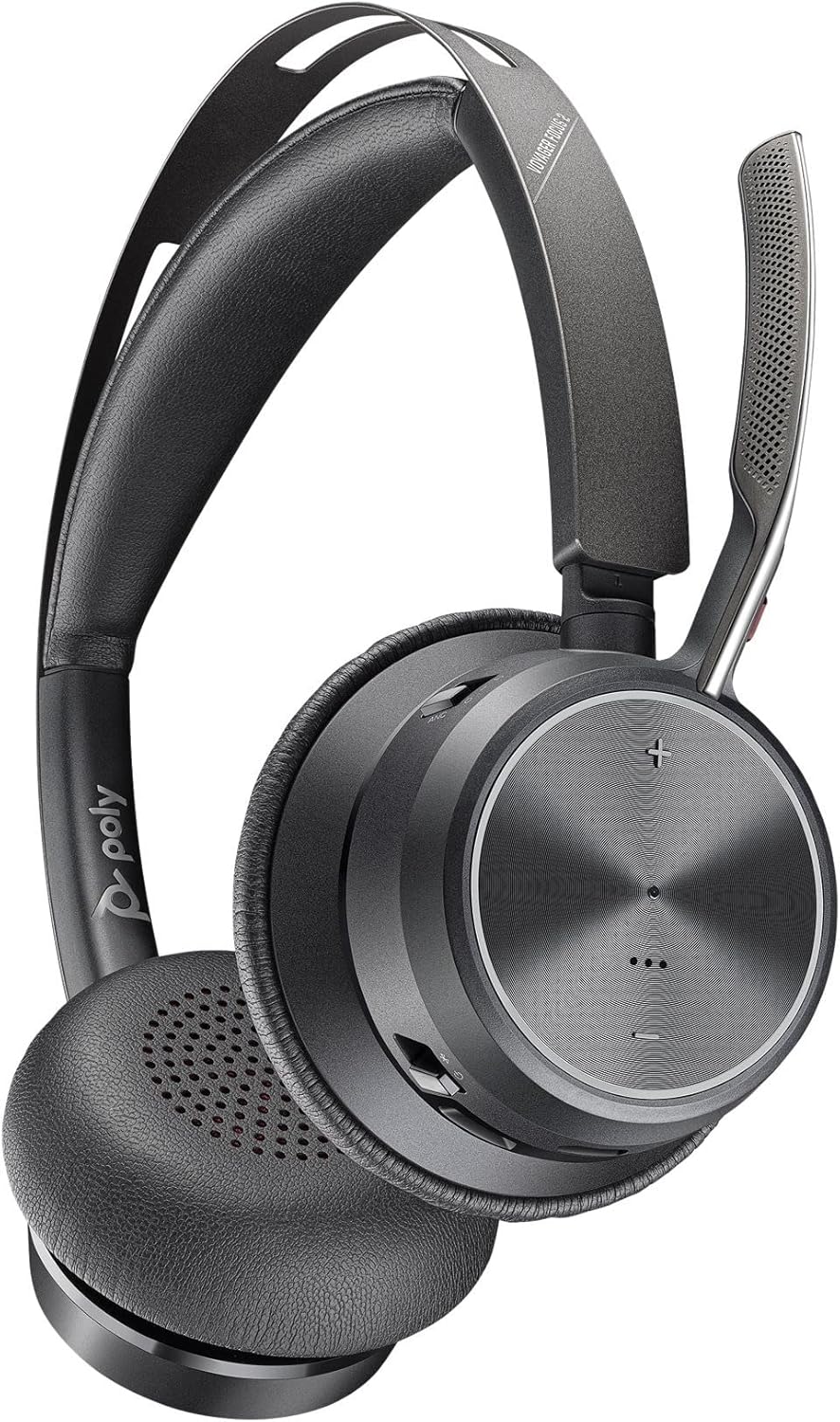
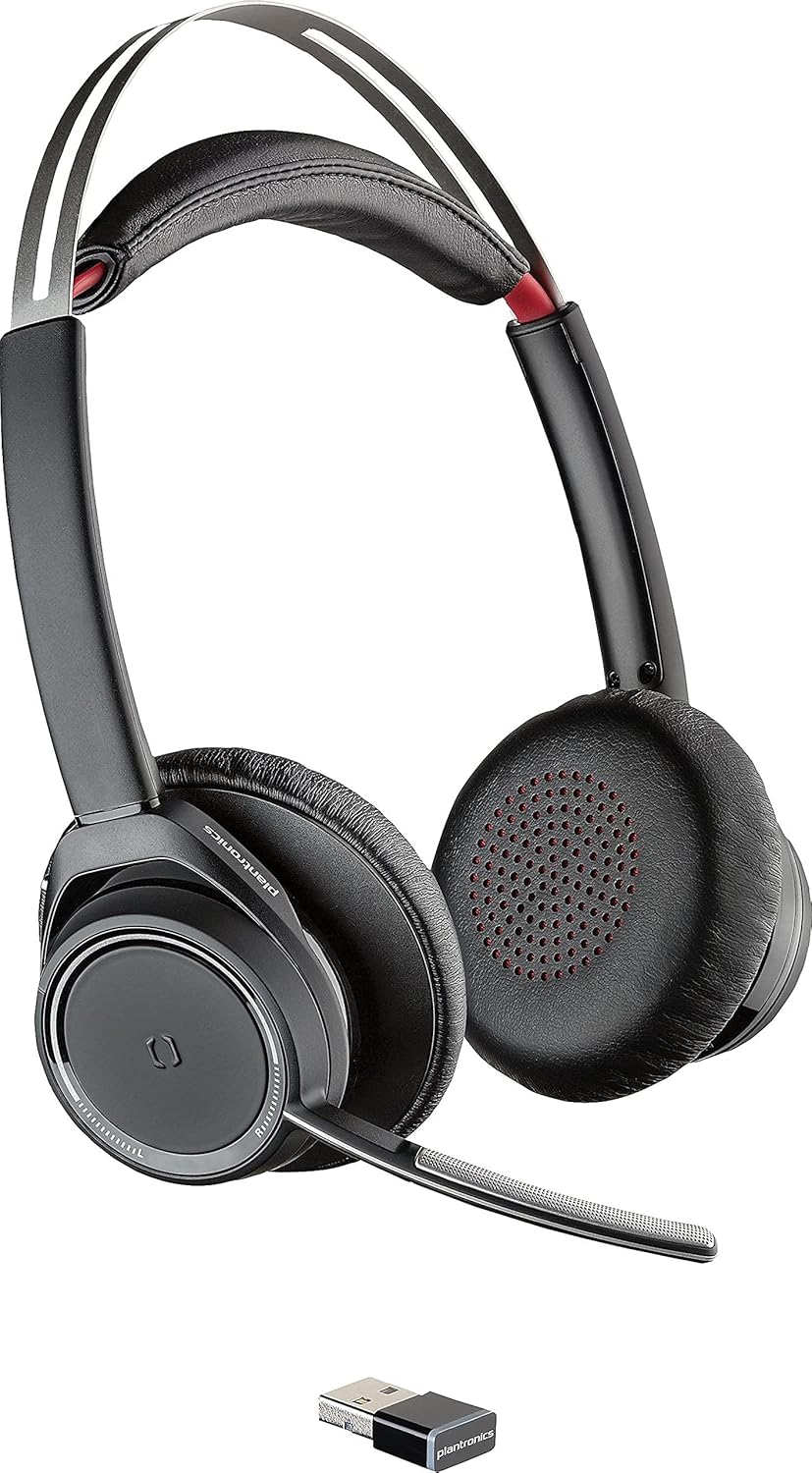
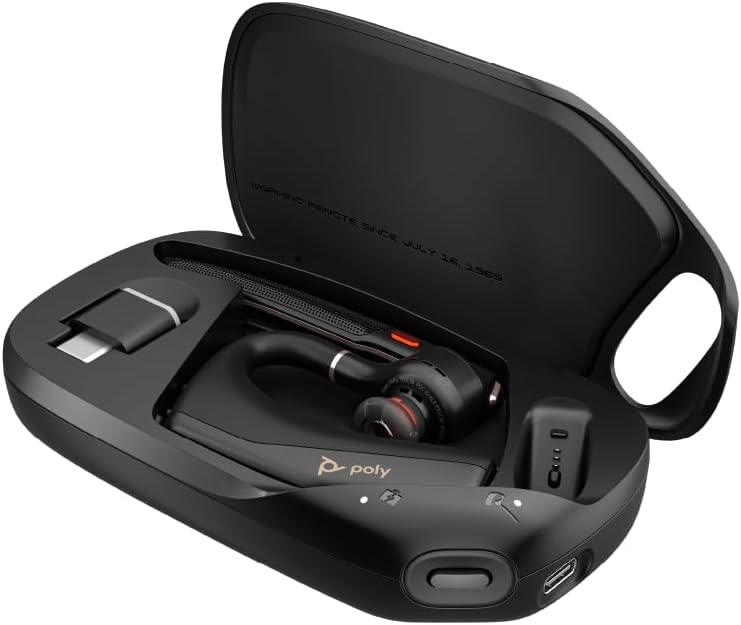
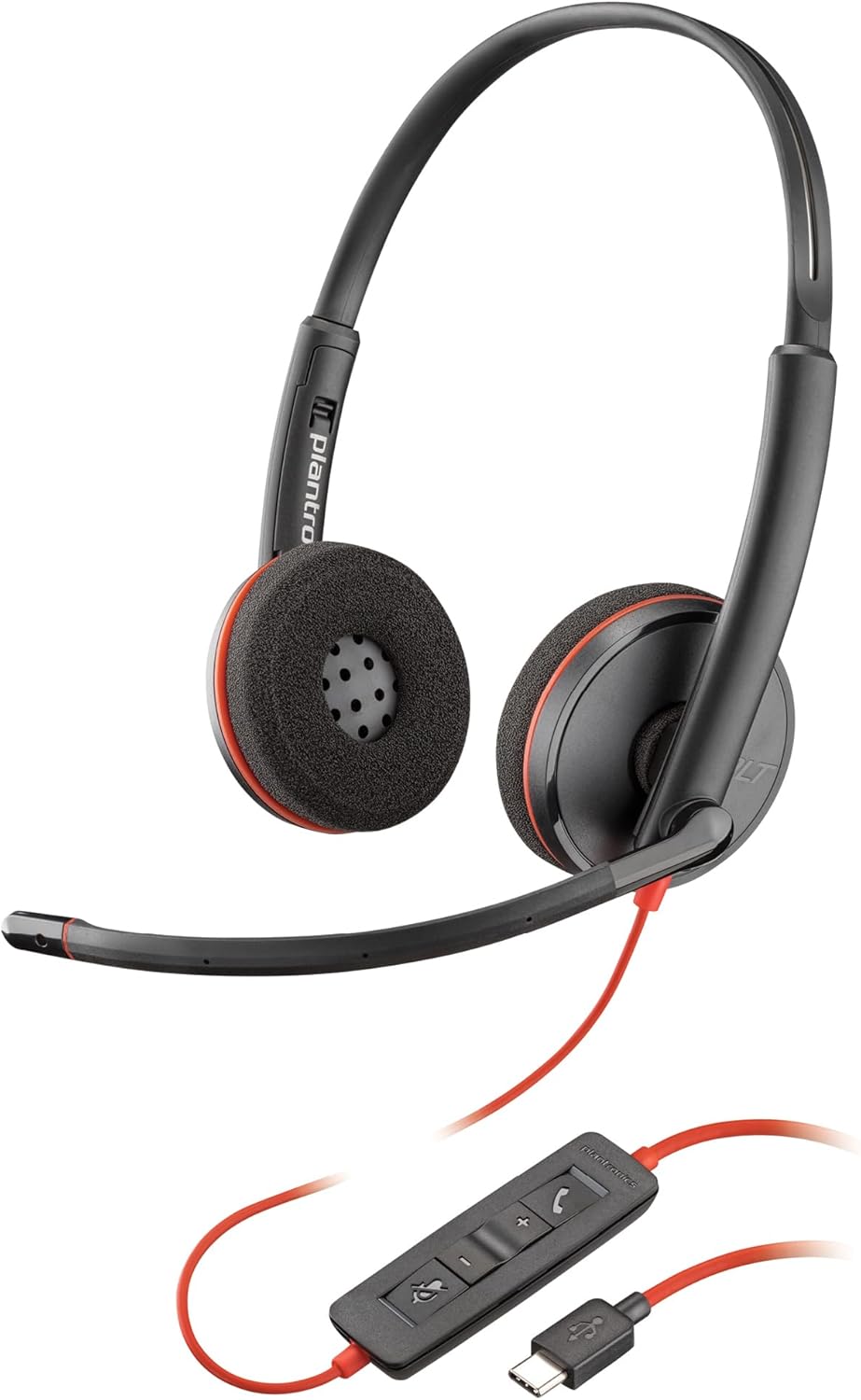
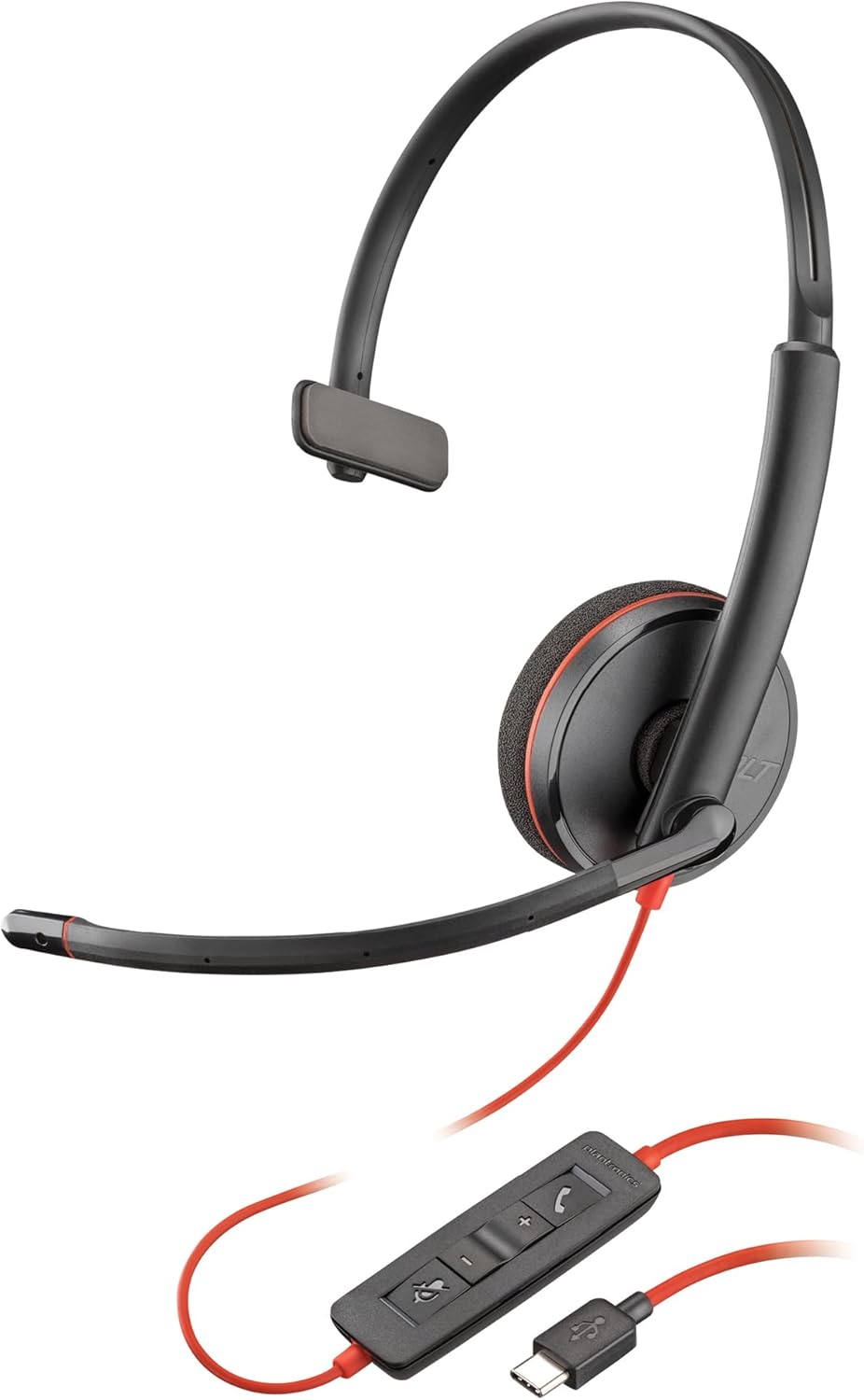
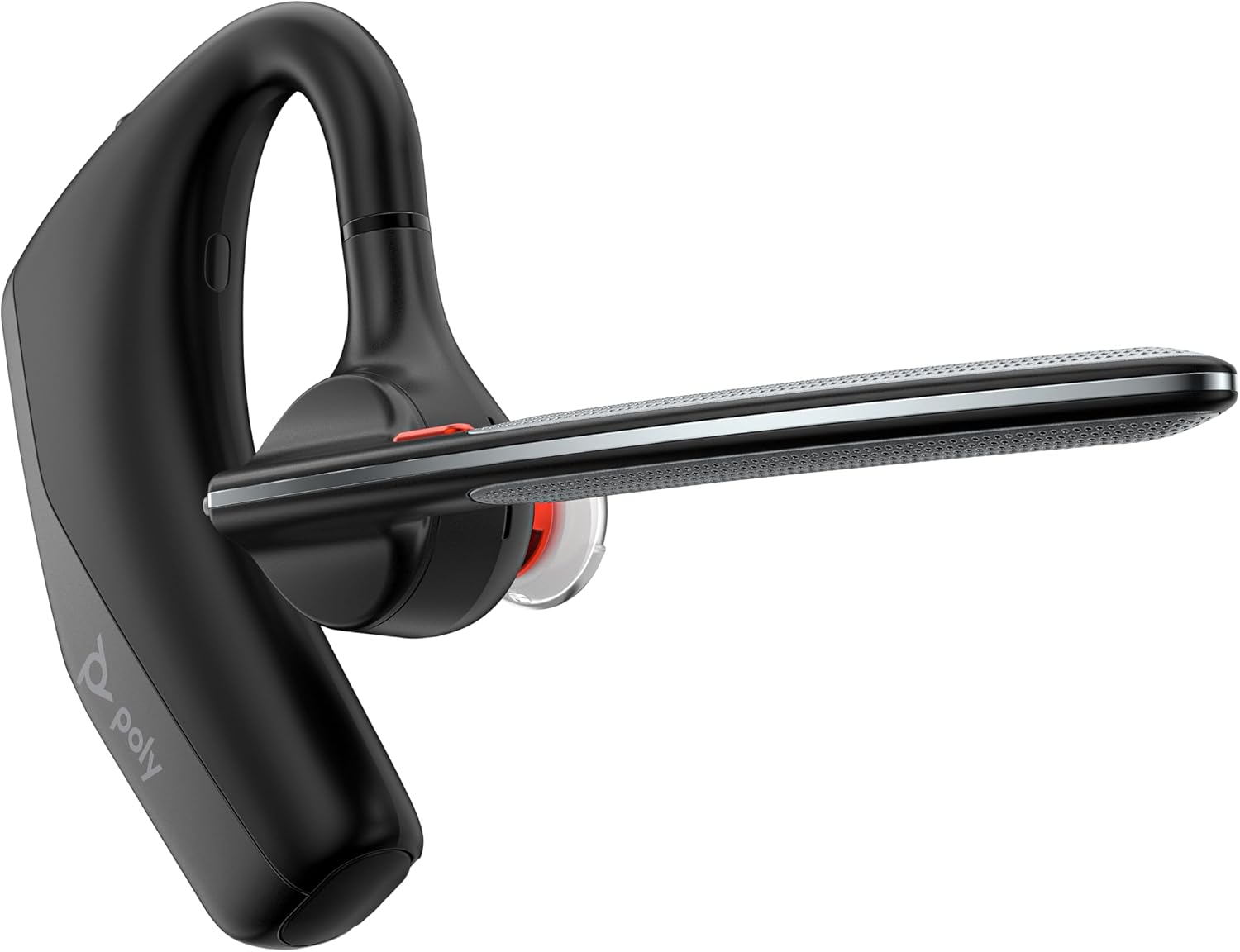
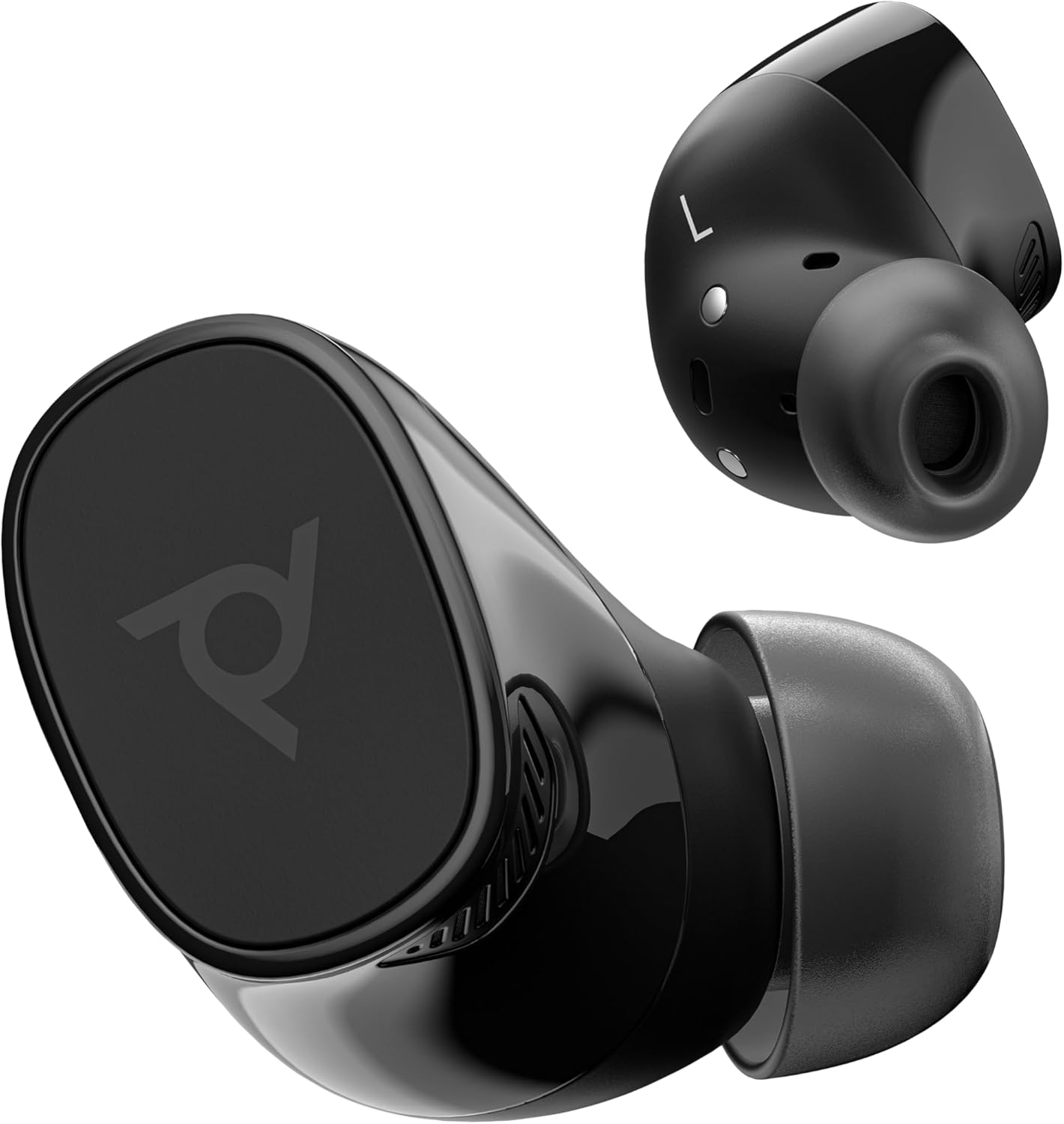
Four families cover most needs. Voyager handles Bluetooth for phones and hybrid desks, Blackwire covers wired USB and USB-C for computer calls, Savi runs on DECT for cordless range around a desk phone, and EncorePro is the workhorse built for call-center shifts. True wireless Voyager Free earbuds round out the mobile end.
Poly Headset Reviews
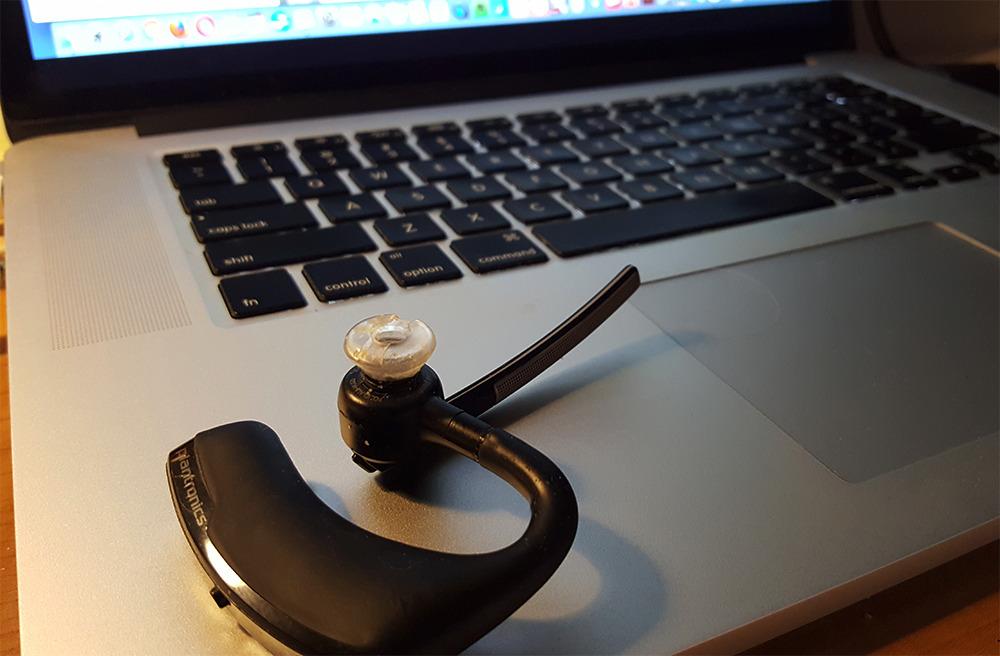
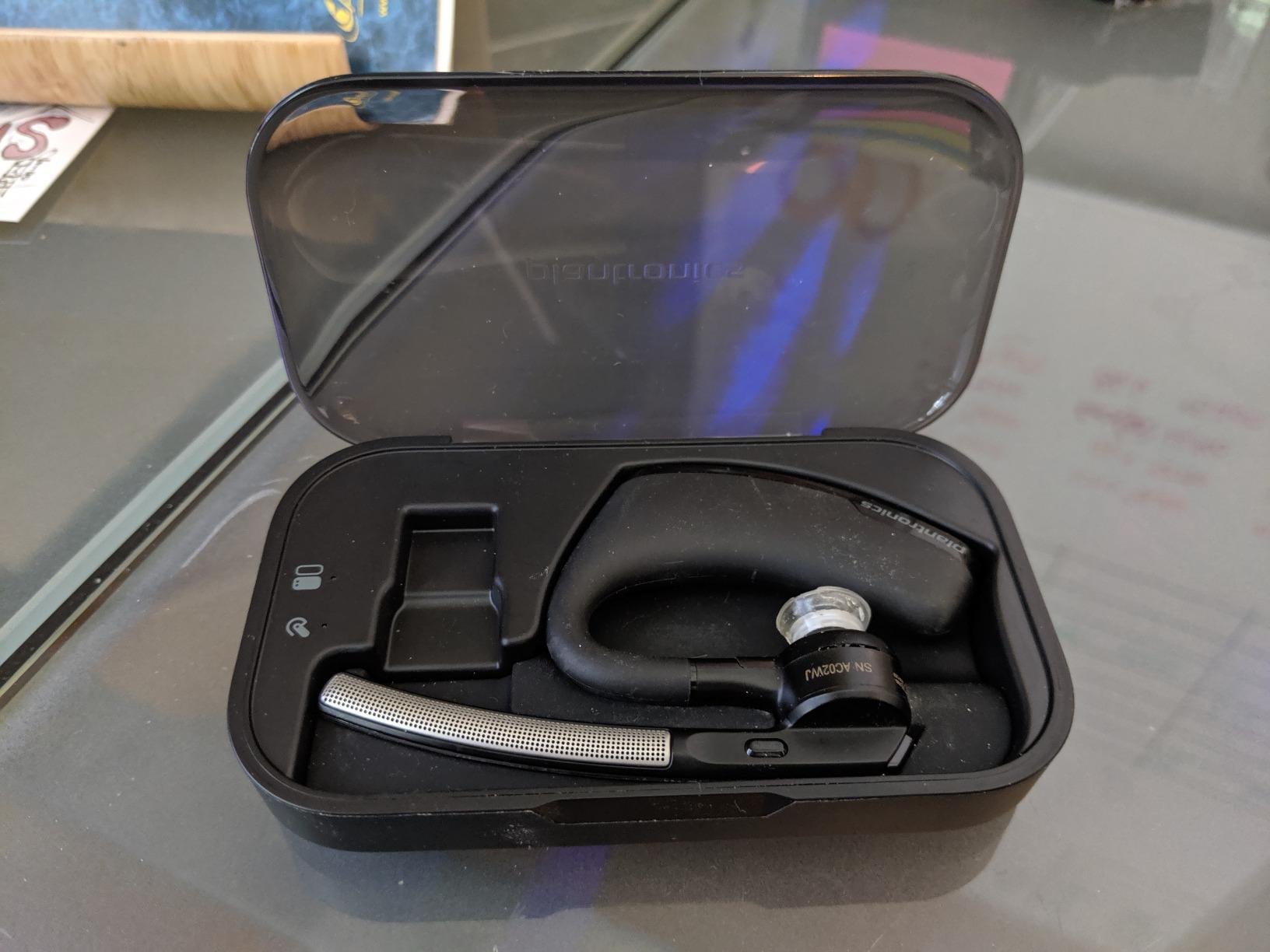
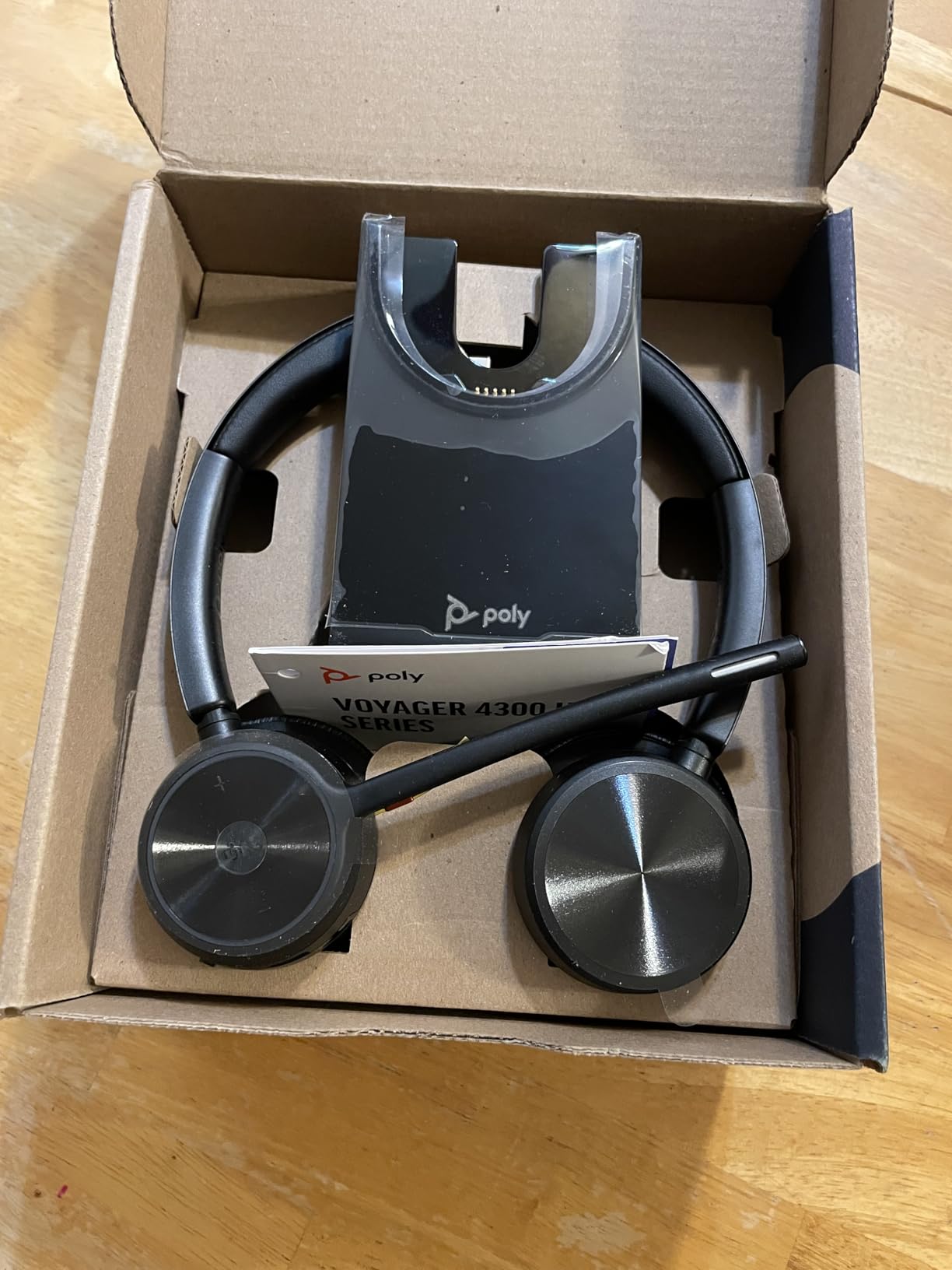
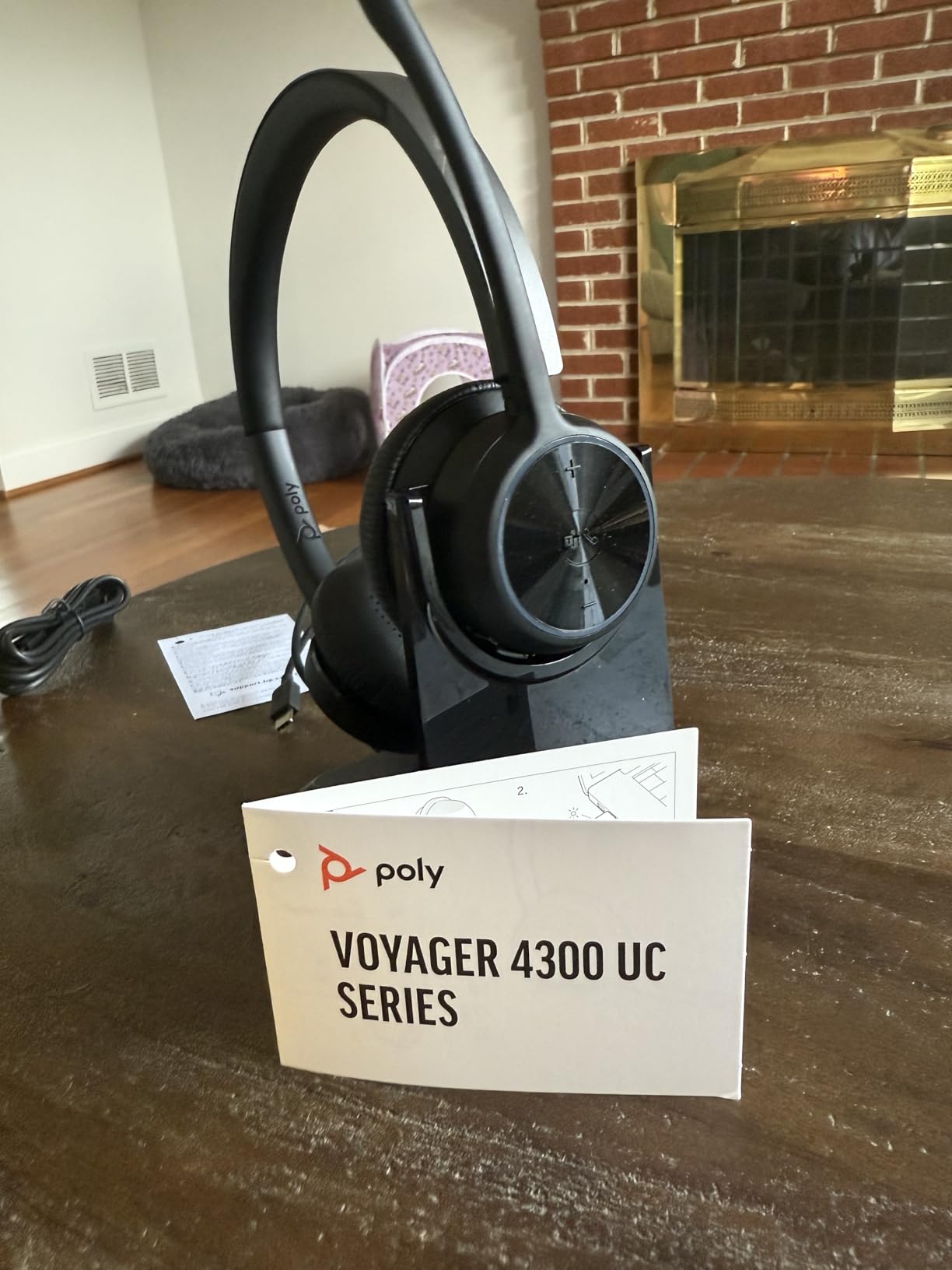
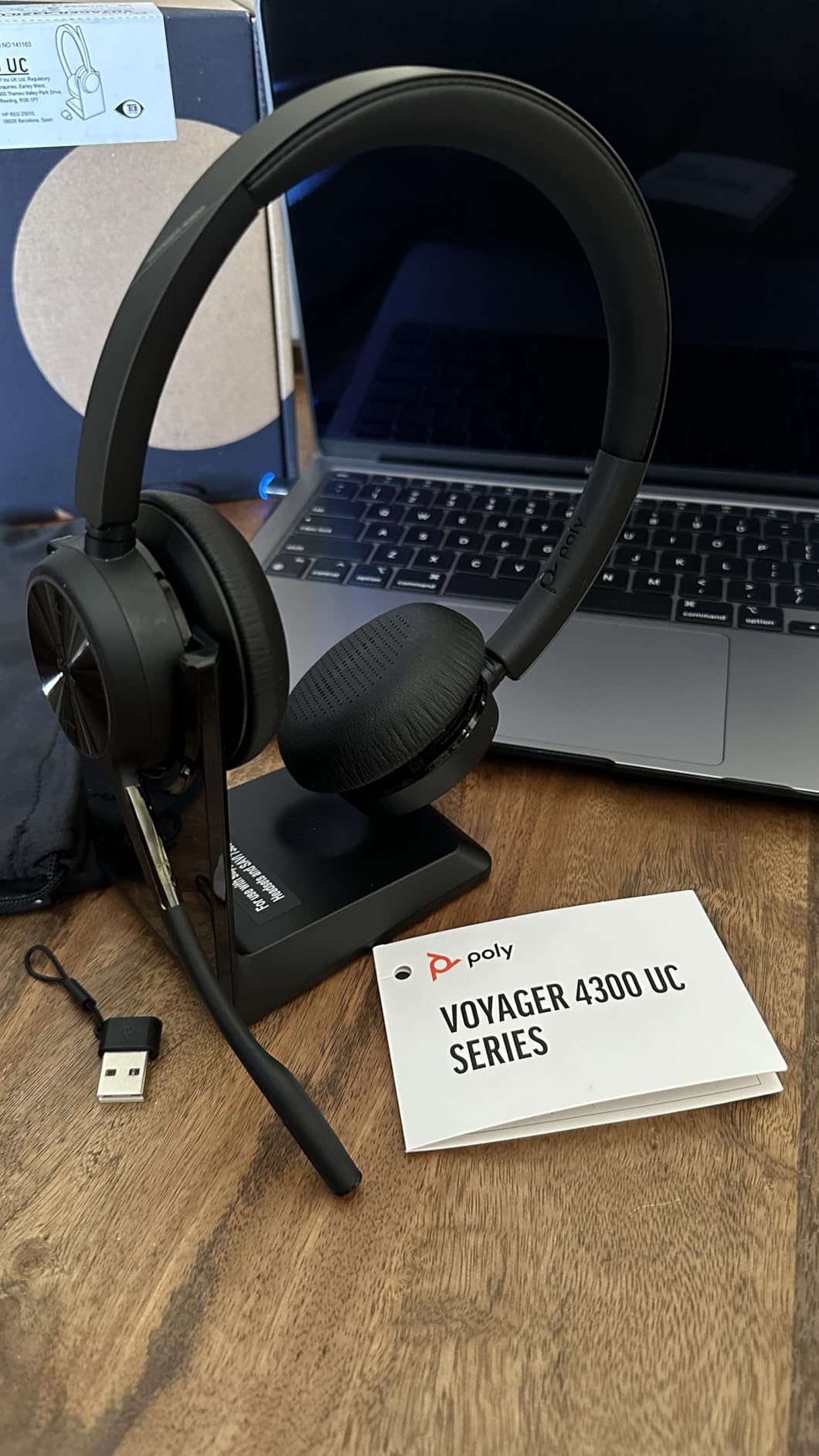
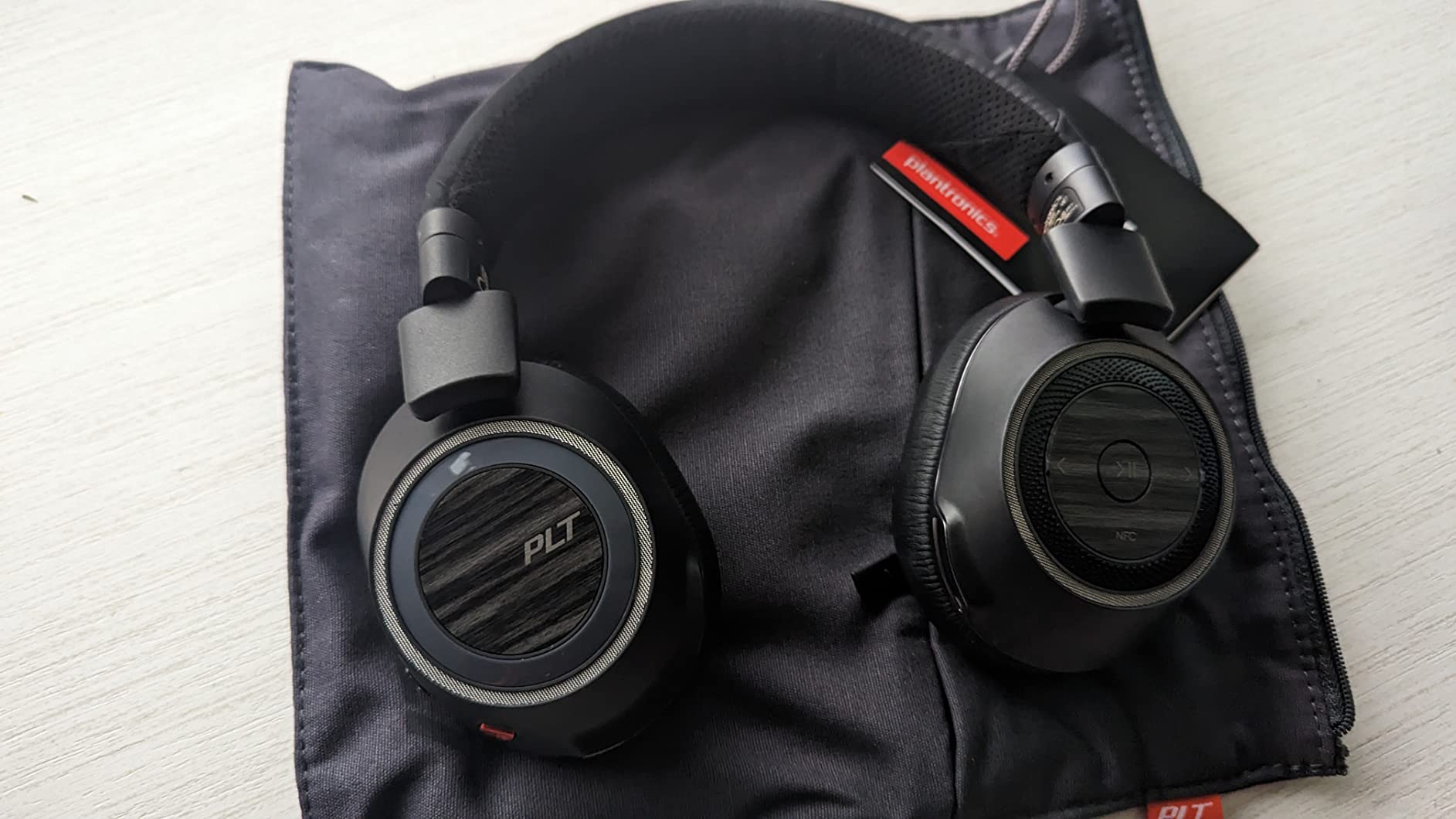
“Great product. I needed something that cuts out background noise from traffic when walking and kids at home. This headset does exactly that. Using it on its own or with noise-canceling software cuts out literally all background noise. Talk time is at least 6 hours on a single charge and takes about 30 minutes to recharge.”
- Matt
“This is an amazing headset. Great quality. Great noise reduction. Good for making business calls and knowing you have a quality headset for it. Soft on the ears and fits well. Good range to walk around the house where I used it. Very clear sound.”
- Arnout P
“Love this headset. I've only had it a little over a year, but I'm super happy with it. It's comfortable on my ears, easy to use, and professional. I never have a problem communicating with clients on the other end. It holds a charge for as long as I need it all day. Highly recommend.”
- Debbie
“I have made two horrible decisions about who to marry, but my twice choosing Plantronics for the most important part of my business, phone calls, was spot on. The CS540 works great, even better than I assumed. Product is durable and easy to use. Most important: the volume level adjusts appropriately to suit my hearing.”
- FunDirector
“To install the system was easy and fast. Using the headset has been a game changer for my neck. The pain is gone. I'm able to use the computer and talk with people with no issues. The sound is great and clear.”
- Kristine Garcia
“I got this unit due to price point and name brand. Was pleasantly surprised by its quality and the ease in which it hooked up to our phones. I am getting several more and the user is deliriously happy with it. Current user was amazed that she could continue on call at a 50 foot distance from her desk.”
- John Odoj
How to Pair Your Poly Headset
Connect a Poly headset over Bluetooth, USB, or a DECT base in a few steps. For device-specific walkthroughs, see the full pairing guide.
Pair via Bluetooth
- Power on the headset, then hold the Call button (or slide the power switch) for about 5 seconds until the indicator blinks red and blue
- On your phone, laptop, or PC, open Bluetooth settings
- Select your Poly headset from the available devices list
- Wait for the voice prompt or tone that confirms you are connected
Connect to PC or Mac via USB
- Insert the USB-A or USB-C adapter (wired models use their attached cable) into a free port on your computer
- Windows or macOS detects it on its own, with no driver install to worry about
- In your audio settings, select the Poly headset as the default input and output device
- For Teams or Zoom, check the app's audio settings to confirm the headset is selected
Connect DECT Headset to Base Station
- Wire the DECT base to your desk phone or computer using the bundled cables
- Set the headset into its charging cradle, where it usually subscribes to the base on its own
- If it does not, press the subscribe button on the base, then the matching one on the headset
- A steady light on the headset means it is subscribed and ready for calls
Connect to Multiple Devices
- Most Voyager models pair with two devices at once over multipoint Bluetooth
- Pair with your first device normally
- Put the headset back into pairing mode and pair with the second device
- The headset will automatically switch audio to whichever device has an active call
Frequently Asked Questions
Pick Your Next Poly Headset
The whole Poly lineup in one Amazon storefront: Bluetooth Voyagers, wired Blackwires, DECT Savi systems, and Voyager Free earbuds, ready to ship.
Browse on Amazon